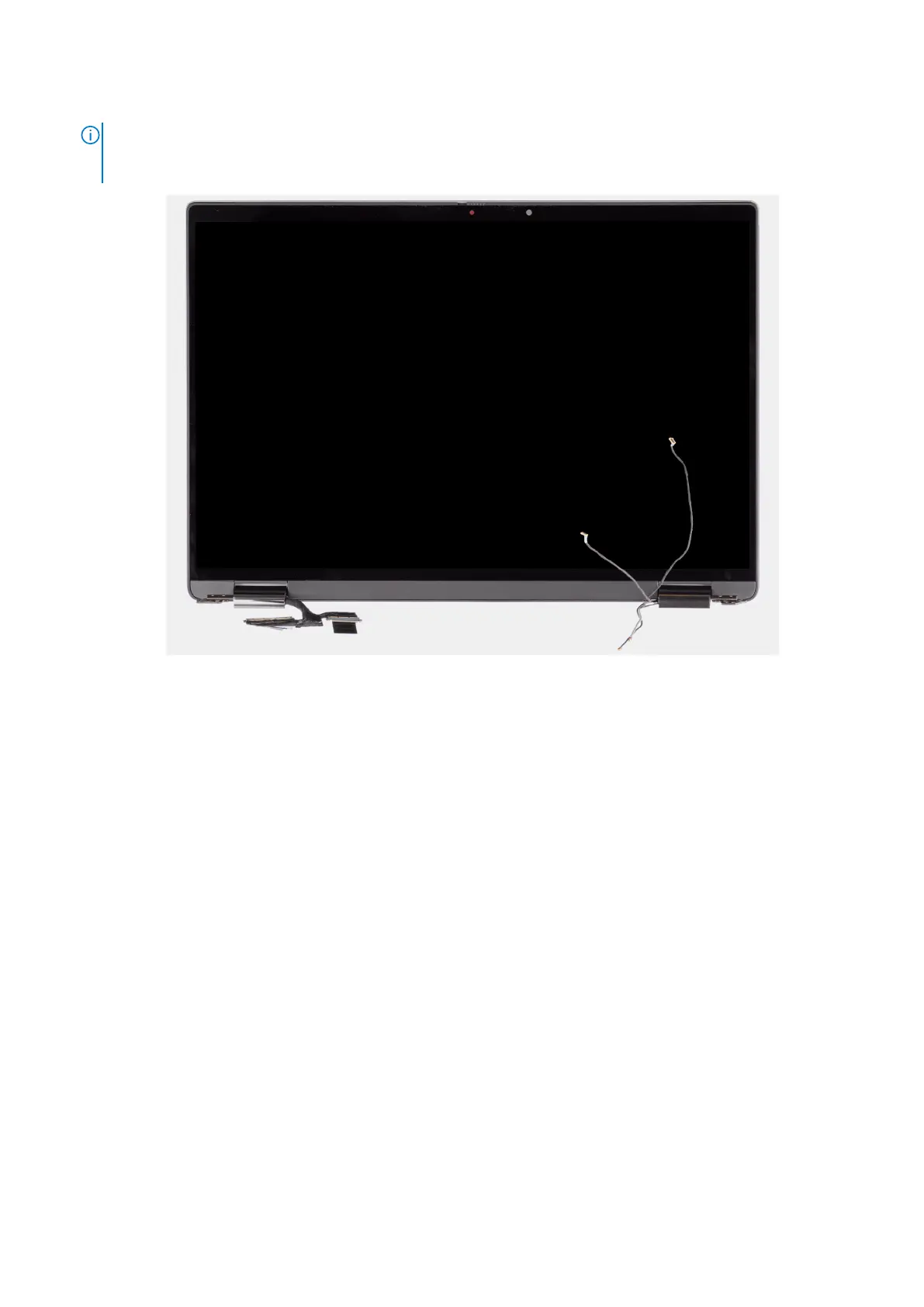
10. Lift the base assembly away from the display assembly.
NOTE: The display assembly is a Hinge-Up Design (HUD) assembly and cannot be further disassembled once it is
removed from the bottom chassis. If any components in the display assembly are malfunctioning and is required to be
replaced, replace the entire display assembly.
Figure 51. Display assembly with WWAN-antenna cables
80
Removing and installing Field Replaceable Units (FRUs)



 To Next Page