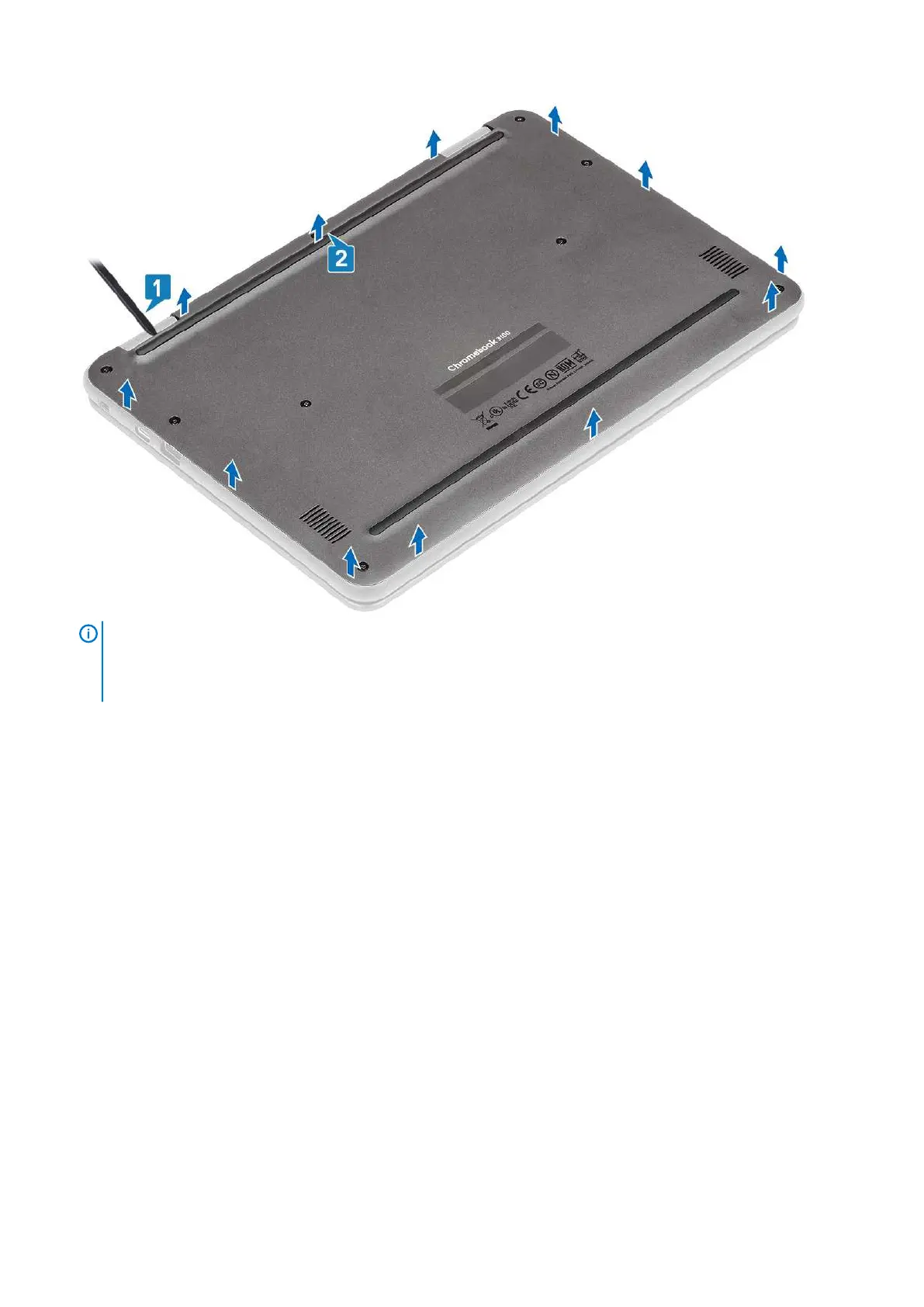
NOTE: While removing the base cover, on-site technicians must take care to remove the base cover carefully. There
are prying recess points next to the left and right hinges which ease the disassembly procedure. With the help of a
plastic scribe, pry open from the upper left side of the base cover, continue working your way around the left and
right side of the base cover, then remove the base cover from the system.
3. Lift the base cover from the computer.
Removing and Installing
15



 To Next Page