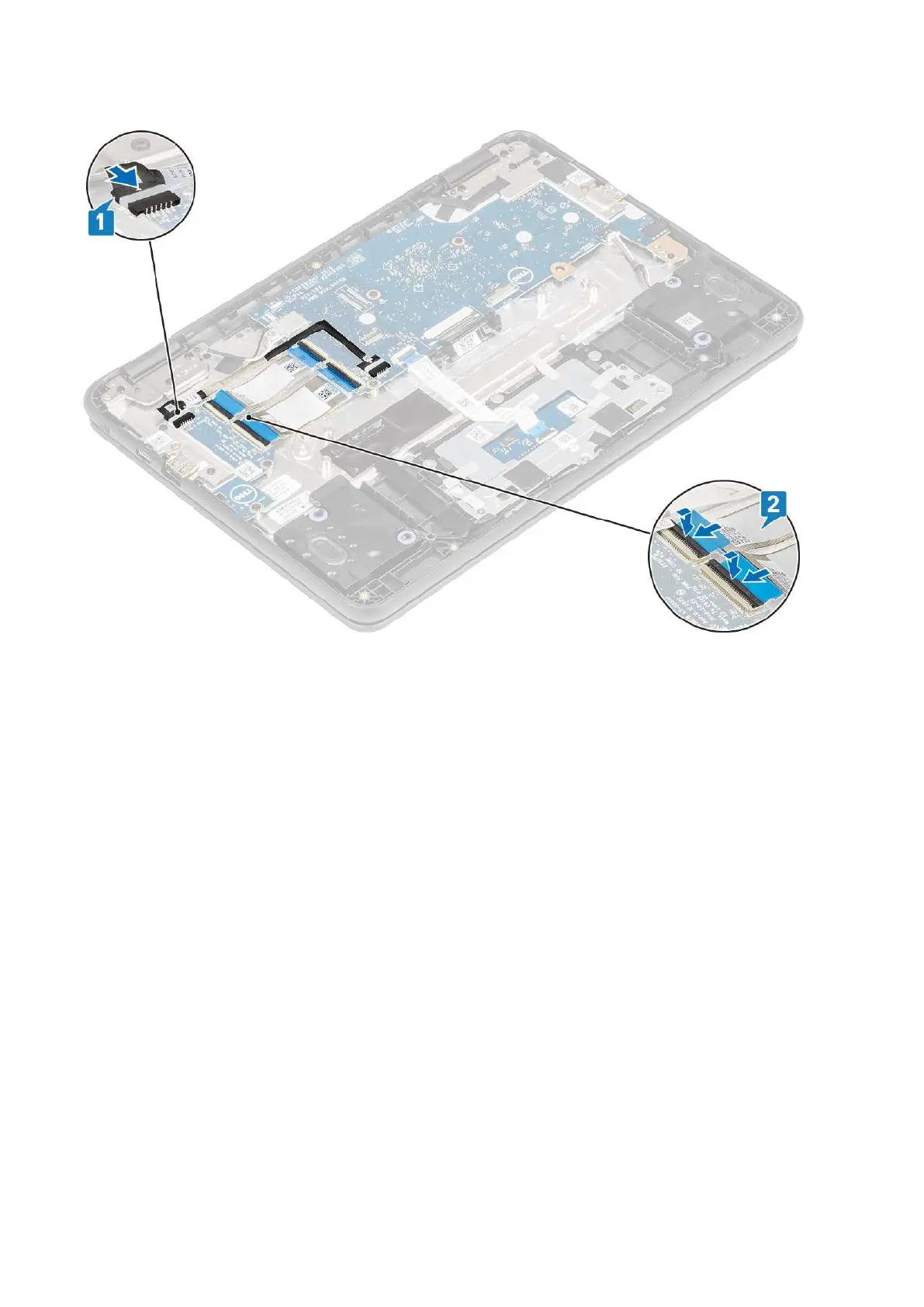
5. Connect the 30-pin and 40-pin IO board cables and close the latch to secure it to the IO board [2].
Next steps
1. Install the battery.
2. Install the base cover.
3. Follow the procedure in after working inside your computer.
Keyboard lattice and Keyboard
Installing the keyboard
Steps
1. Align the keyboard trim with the tabs on the system, and carefully lift the keyboard slightly and insert the keyboard cable through the
gap on the palm rest [1, 2]
32
Removing and Installing



 To Next Page