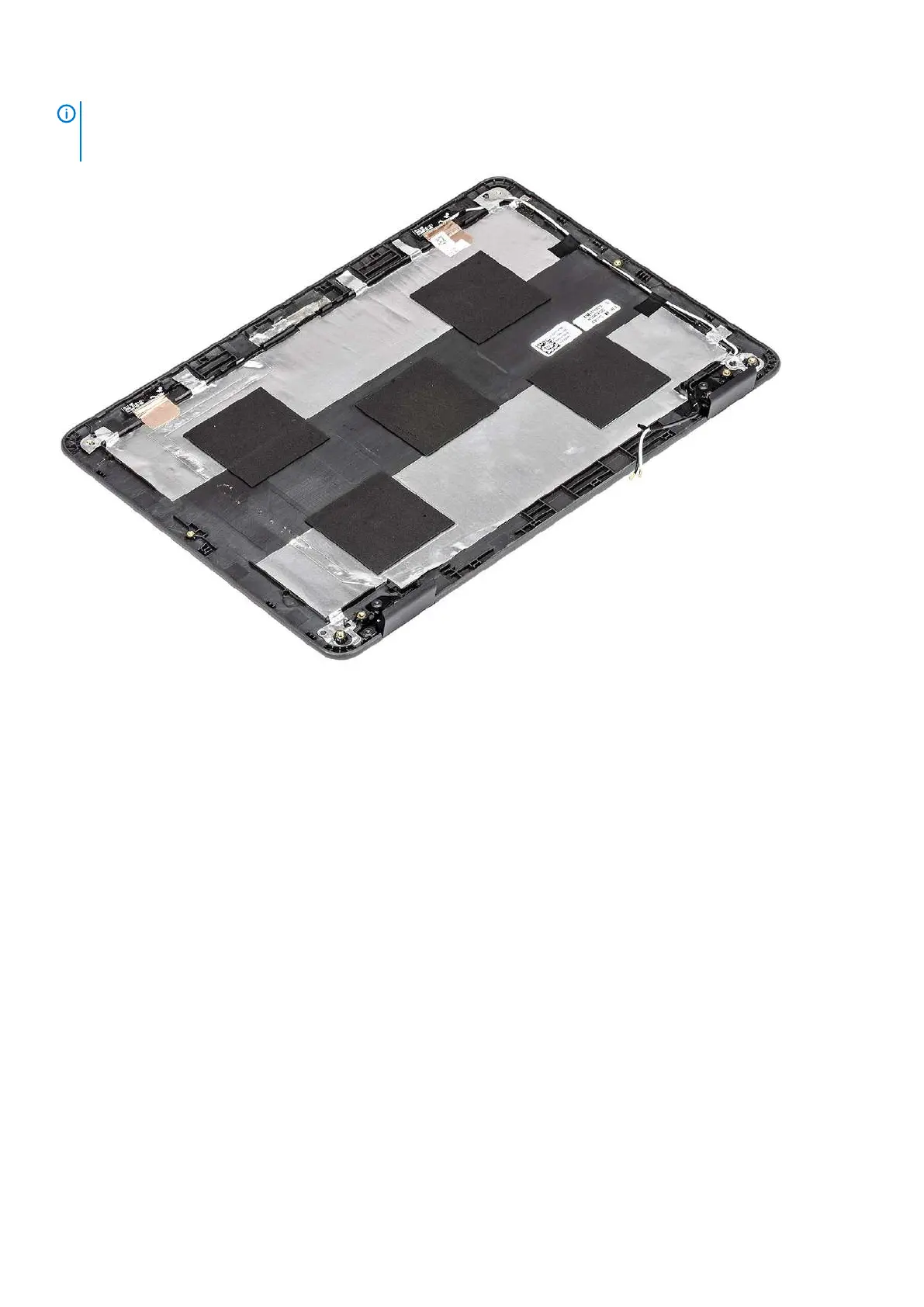
NOTE: The display back-cover and antenna assembly cannot be further disassembled once all of the pre-removal parts
procedures are completed. If the wireless antennas are malfunctioning and need to be replaced, replace the entire
display back-cover and antenna assembly.
Next steps
1. Install the camera.
2. Install the display cable.
3. Install the display hinges.
4. Install the display panel
5. Install the display bezel.
6. Install the display assembly.
7. Install the battery.
8. Install the base cover.
9. Follow the procedure in after working inside your computer.
Palm rest
Replacing palmrest assembly
Prerequisites
1. Follow the procedure in before working inside your computer.
2. Remove the base cover.
3. Remove the battery.
4. Remove the speakers.
5. Remove the keyboard.
6. Remove the IO board.
7. Remove the system board.
Removing and Installing
71



 To Next Page