36
Setting up the monitor
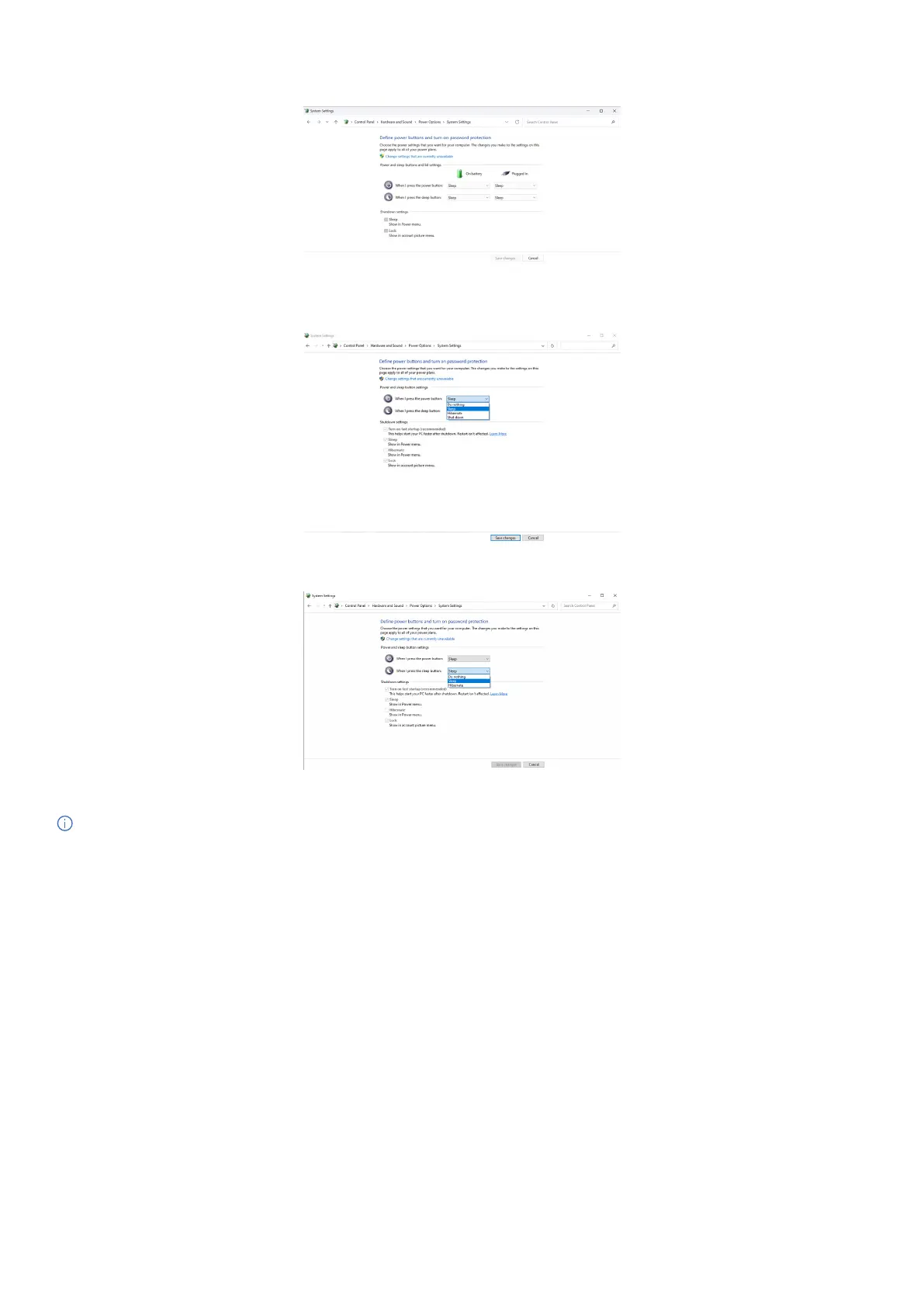
3. Go to System Settings.
Figure 39. Go to system settings.
4. Select the preferred options from When I press the power button.
Figure 40. Power button settings
Figure 41. Sleep button settings
NOTE: Avoid selecting Do nothing as this will prevent the monitor’s power button from syncing with the computer’s power state.



 To Next Page