35
Setting up the monitor
Dell Power Button Sync (DPBS)
The monitor features Dell Power Button Sync (DPBS), enabling you to control your computer’s power state using the monitor’s power
button. This functionality is exclusive to Dell platforms with built-in DPBS and is supported only via the USB-C interface.
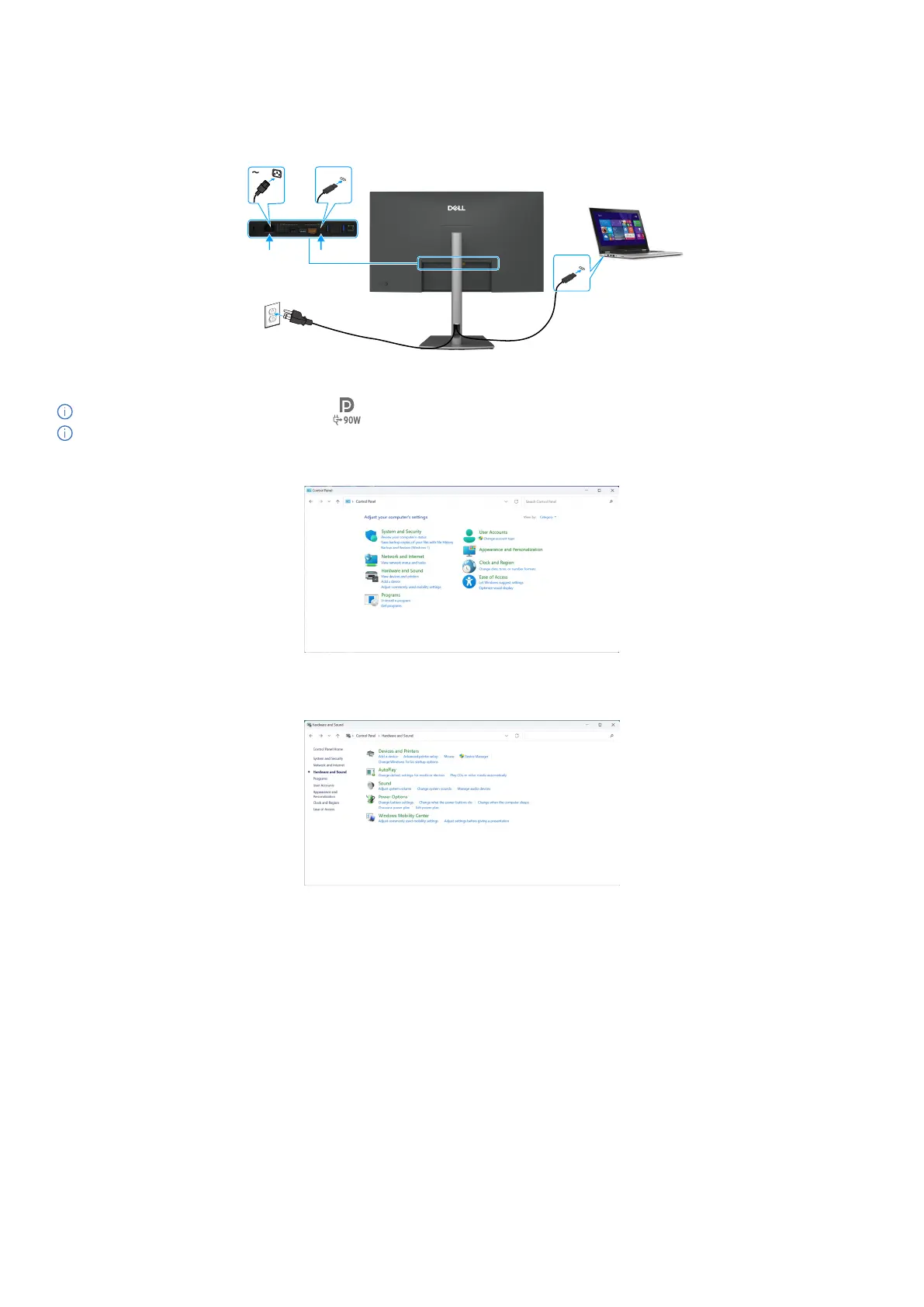
USB-C
USB-C
Figure 36. Connecting the USB-C cable
To ensure the DPBS function works initially, perform the following steps on the DPBS supported platform in the Control Panel first.
NOTE: DPBS only supports the port with icon.
NOTE: DPBS is turned off by default. To enable it, go to the Dell Power Button Sync submenu under the Display section in the
OSD.
1. Go to Control Panel.
Figure 37. Go to control panel.
2. Select Hardware and Sound > Power Options.
Figure 38. Select Hardware and Sound > Power Options.



 To Next Page