44
Operating the monitor
Operating the monitor
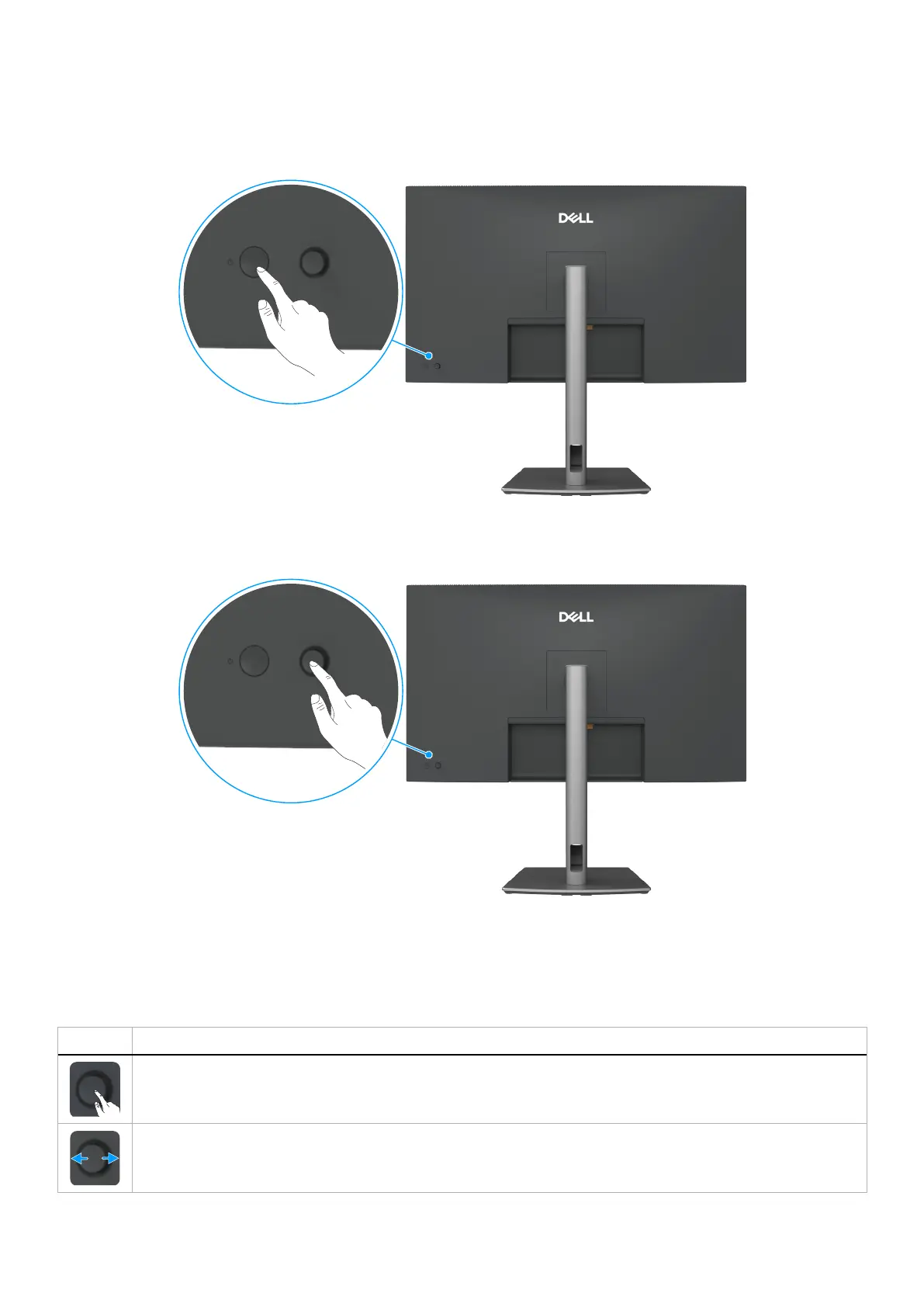
Turn on the monitor
Press the power button to turn on the monitor.
Figure 57. Power on the monitor
Using the joystick control
Figure 58. Using the joystick control
Use the joystick control on the back of the monitor to make On-Screen Display (OSD) adjustments.
1. Press the Joystick to open the OSD Menu Launcher.
2. Move the Joystick Up, Down, Left, or Right to toggle between the OSD menu options.
Table 27. Joystick functions
Function Description
Press Joystick to open the OSD Menu Launcher.
For right and left navigation.



 To Next Page