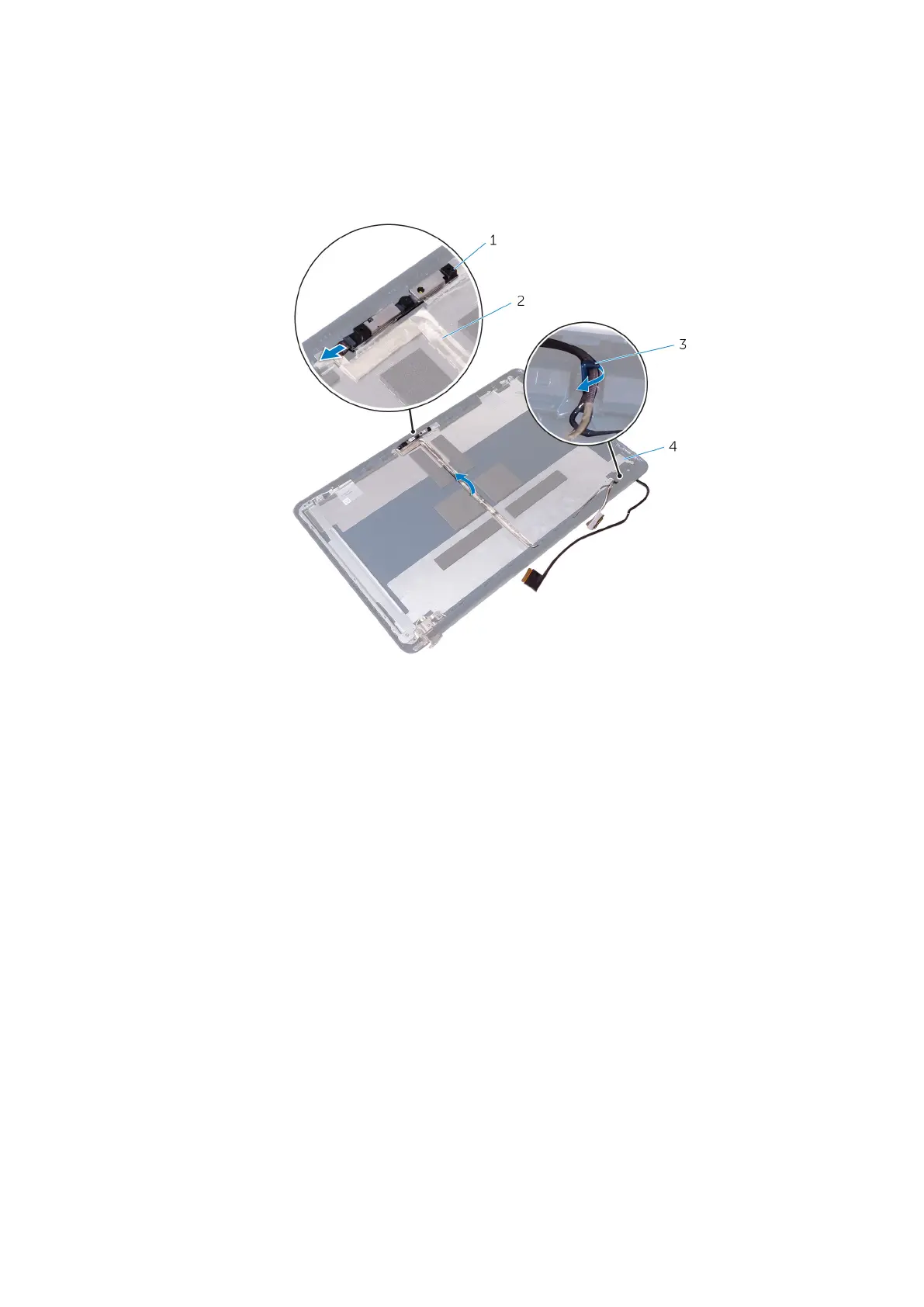
3. M2.5x4 screws (4) 4. display back-cover
3. Disconnect the camera cable from the camera module.
4. Peel off the camera cable from the display back-cover.
5. Note the display cable routing and remove the display cable from the routing guides on the display back-cover.
1. camera 2. camera cable
3. routing guides 4. display back-cover
Removing the display cable 81



 To Next Page