CAUTION: When you disconnect a cable, pull on its connector or on its pull tab, not on the cable itself. Some
cables have connectors with locking tabs or thumb-screws that you must disengage before disconnecting
the cable. When disconnecting cables, keep them evenly aligned to avoid bending any connector pins. When
connecting cables, ensure that the ports and connectors are correctly oriented and aligned.
CAUTION: Press and eject any installed card from the media-card reader.
Recommended tools
The procedures in this document may require the following tools:
● Phillips screwdriver
● Plastic scribe
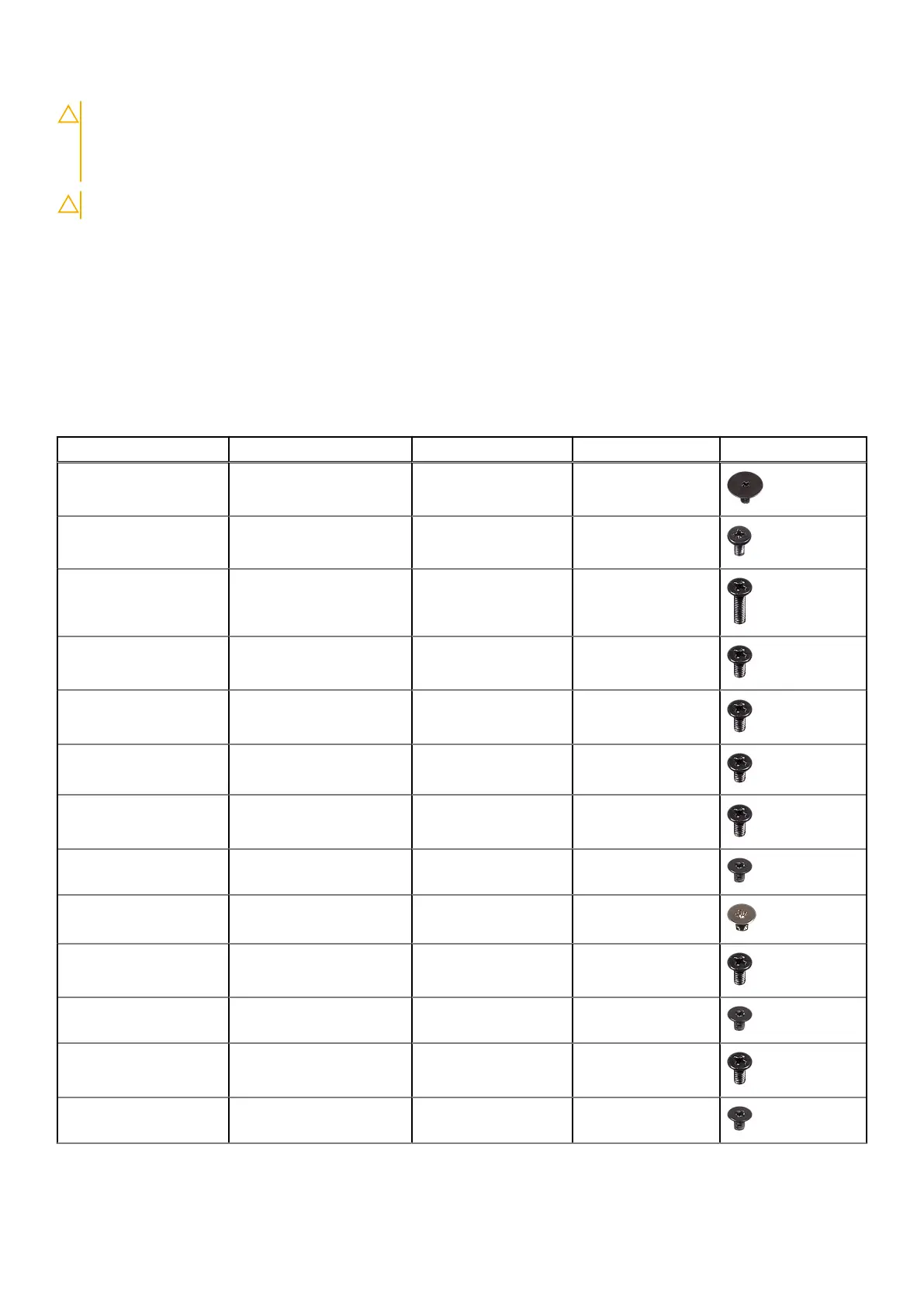
Screw list
Component Secured to Screw type Quantity Screw image
Base cover Palm rest and keyboard
assembly
M2x2 Big Head 3
Base cover Palm rest and keyboard
assembly
M2x4 2
Base cover Palm rest and keyboard
assembly
M2.5x8 13
Battery Palm rest and keyboard
assembly
M2x3 4
Fan Palm rest and keyboard
assembly
M2.5x5 1
Hard drive Hard-drive bracket M3x3 4
Hard-drive bracket Palm rest and keyboard
assembly
M2.5x5 3
Heat-sink assembly System board assembly M2x3 3
Hinge brackets Display back-cover and
antenna assembly
M2.5x4 8
Hinge brackets Palm rest and key board
assembly
M2.5x5 4
Hinge (LCD side) Display back-cover and
antenna assembly
M2x3 2
I/O board Palm rest and keyboard
assembly
M2.5x5 1
Optical-drive bracket Optical drive M2x3 2
Before working inside your computer 9



 To Next Page