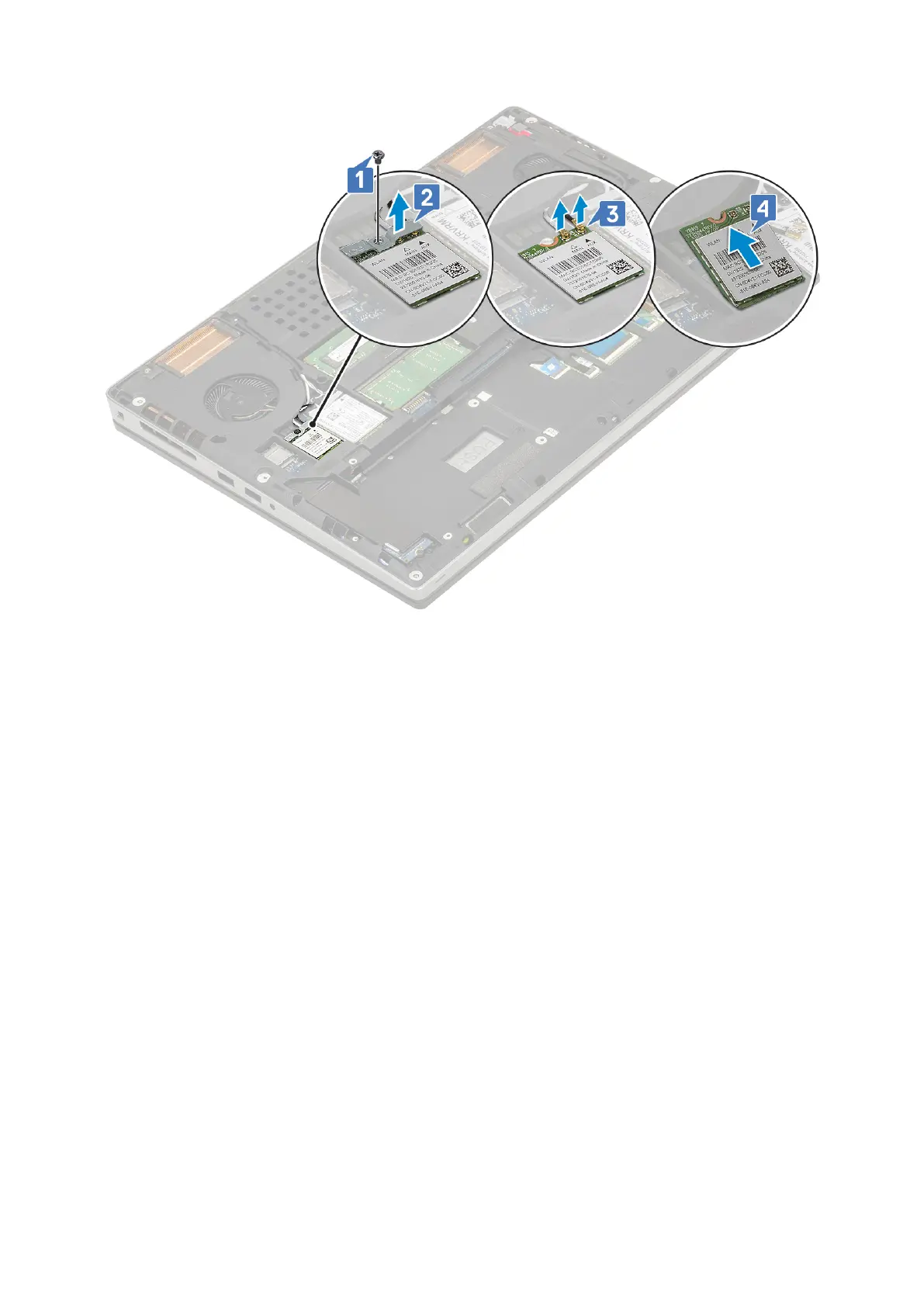
Installing the WLAN card
1. To install the WLAN card:
a. Slide the WLAN card to the WLAN card slot in the system board [1].
b. Route the WLAN antenna cables through the routing channel.
c. Connect the antenna cables to the connectors in the WLAN card [2].
d. Align the WLAN metal bracket above the WLAN card and replace the single (M2.0x3.0) screw to secure the WLAN metal
bracket to the system board [3,4].
Removing and installing components
39



 To Next Page