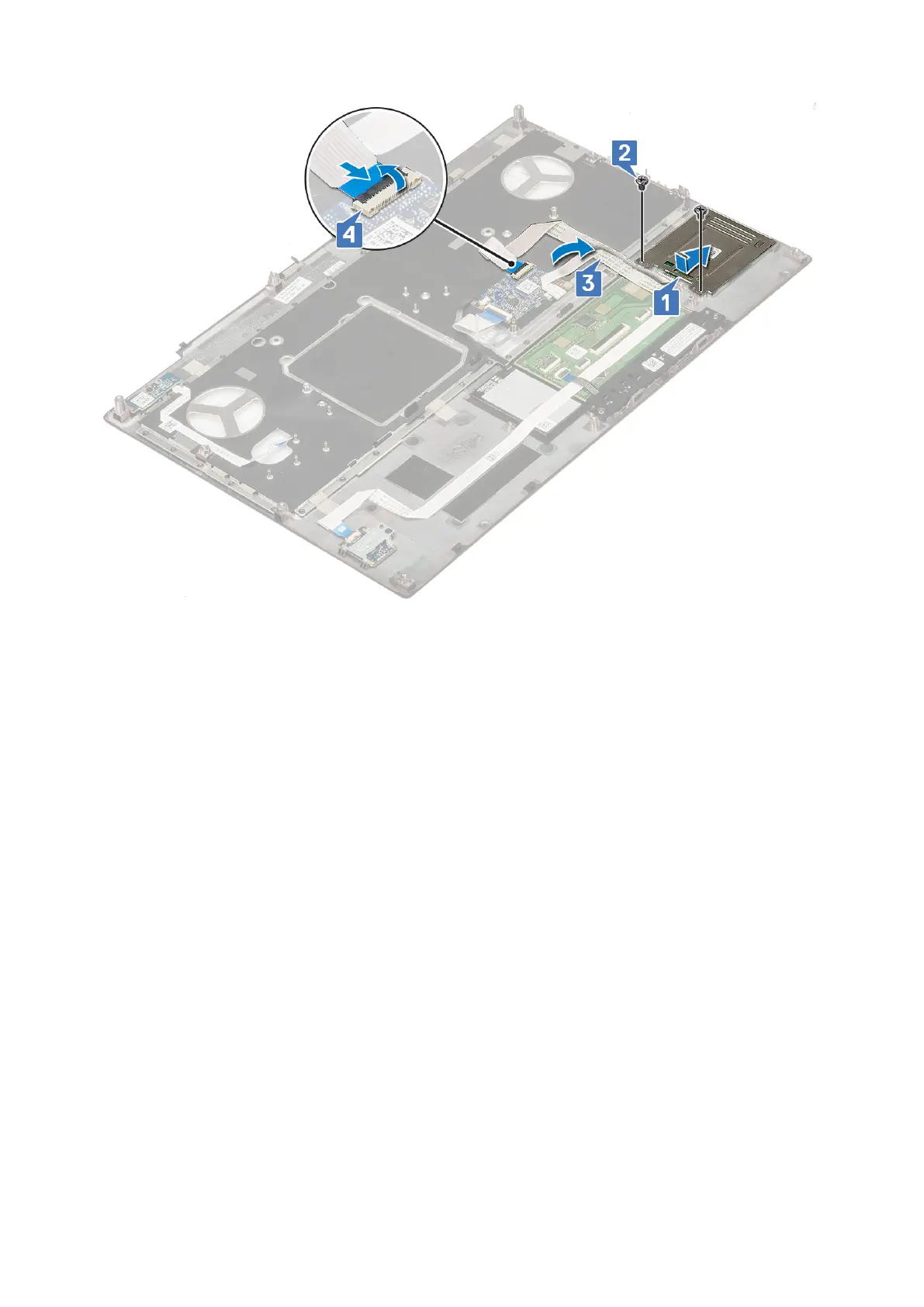
2. Install the:
a. palmrest
b. hard drive
c. keyboard
d. battery
e. base cover
f. SD card
3. Follow the procedure in After working inside your computer.
Speaker
Removing the speakers
1. Follow the procedure in Before working inside your computer.
2. Remove the:
a. SD card
b. base cover
c. battery
d. keyboard
e. hard drive
f. palmrest
3. To remove the speaker:
a. Disconnect the speaker cable from the system board [1].
b. Unroute the speaker cable and remove the cable from the routing channels.
c. Lift the speakers, along with the speaker cable and remove it away from the system [2].
60
Removing and installing components



 To Next Page