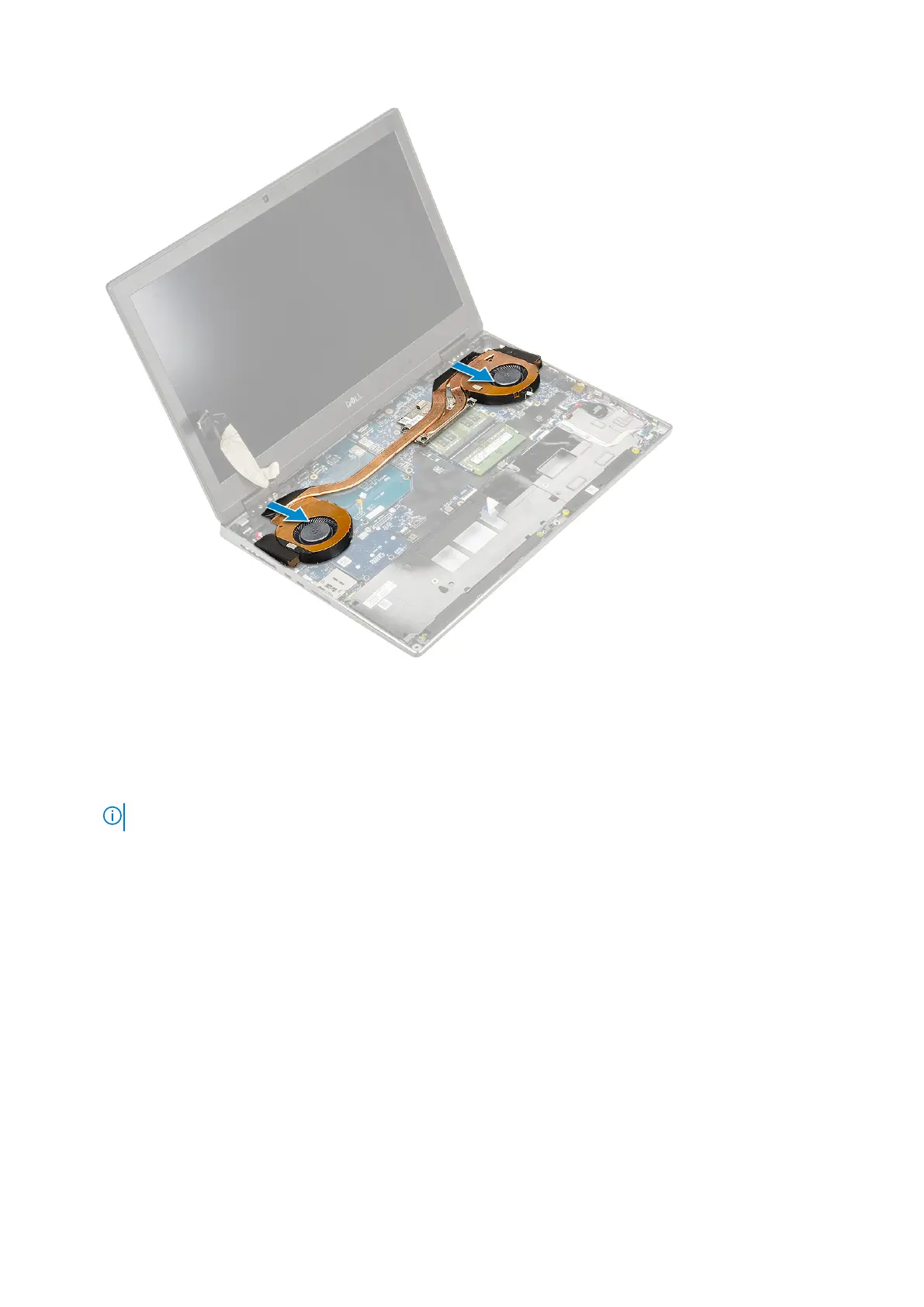
Installing the heat sink assembly
1. To install the heat sink assembly:
a. Insert the heat-sink assembly in its slot on the system [1].
b. Tighten the 4 captive screws to secure the heat-sink assembly to the system board [2].
NOTE: Tighten the captive screws in the order stamped onto the heat sink next to the screws [1 > 2 > 3 > 4].
Removing and installing components 67



 To Next Page