i. display assembly
j. display bezel
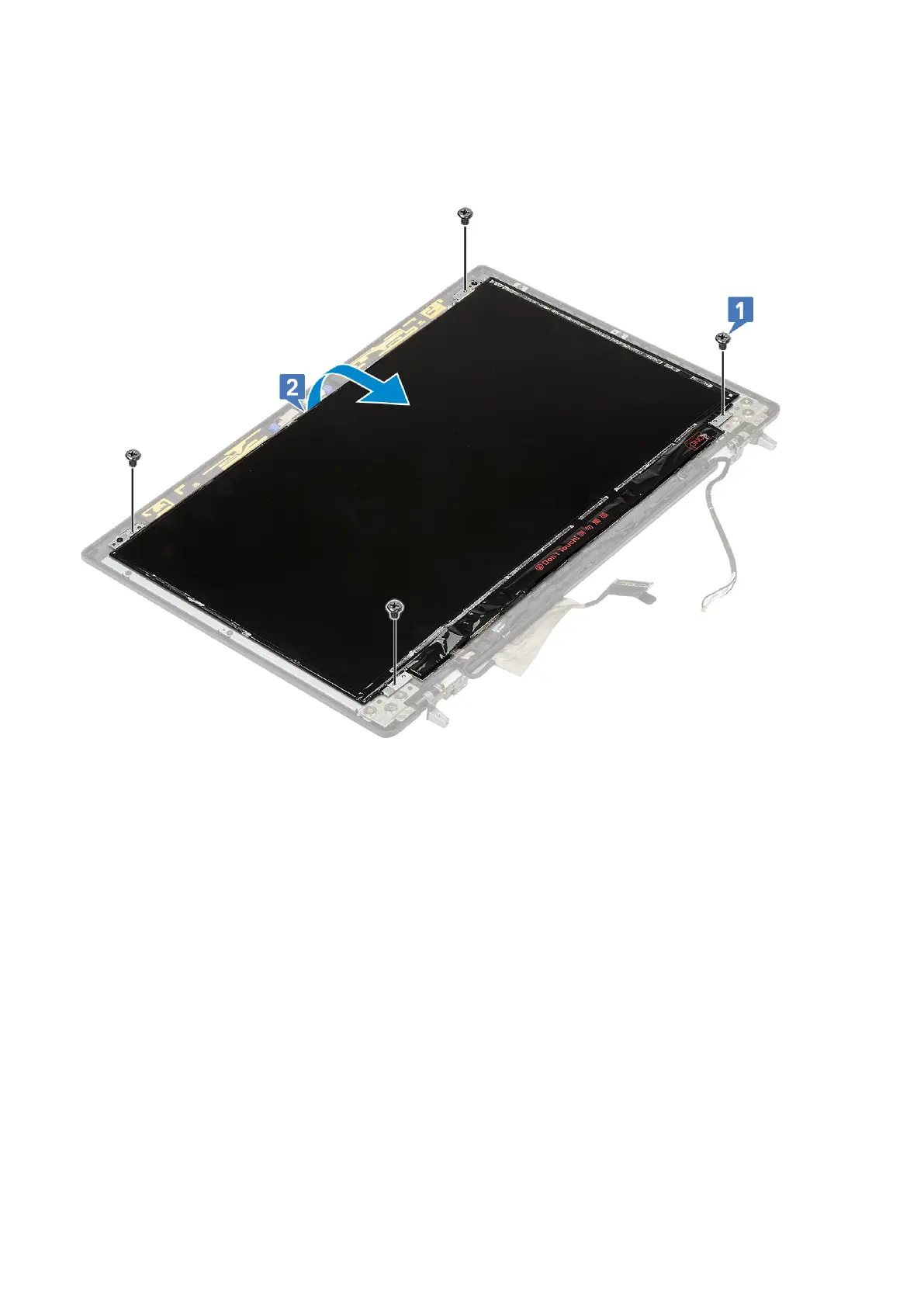
3. To remove screws from the display panel :
a. Remove the 4 (M2.0X3.0) screws that secure the display panel to the display assembly [1].
b. Lift the display panel and turn the display panel over to access the eDP cable [2].
4. To remove display panel:
a. Peel the adhesive tape to access the eDP cable [1].
b. Peel the adhesive tapes that secures the eDP cable [2, 3].
c. Lift the metal tab and disconnect the eDP cable from the connector on the display panel [4, 5].
90
Removing and installing components



 To Next Page