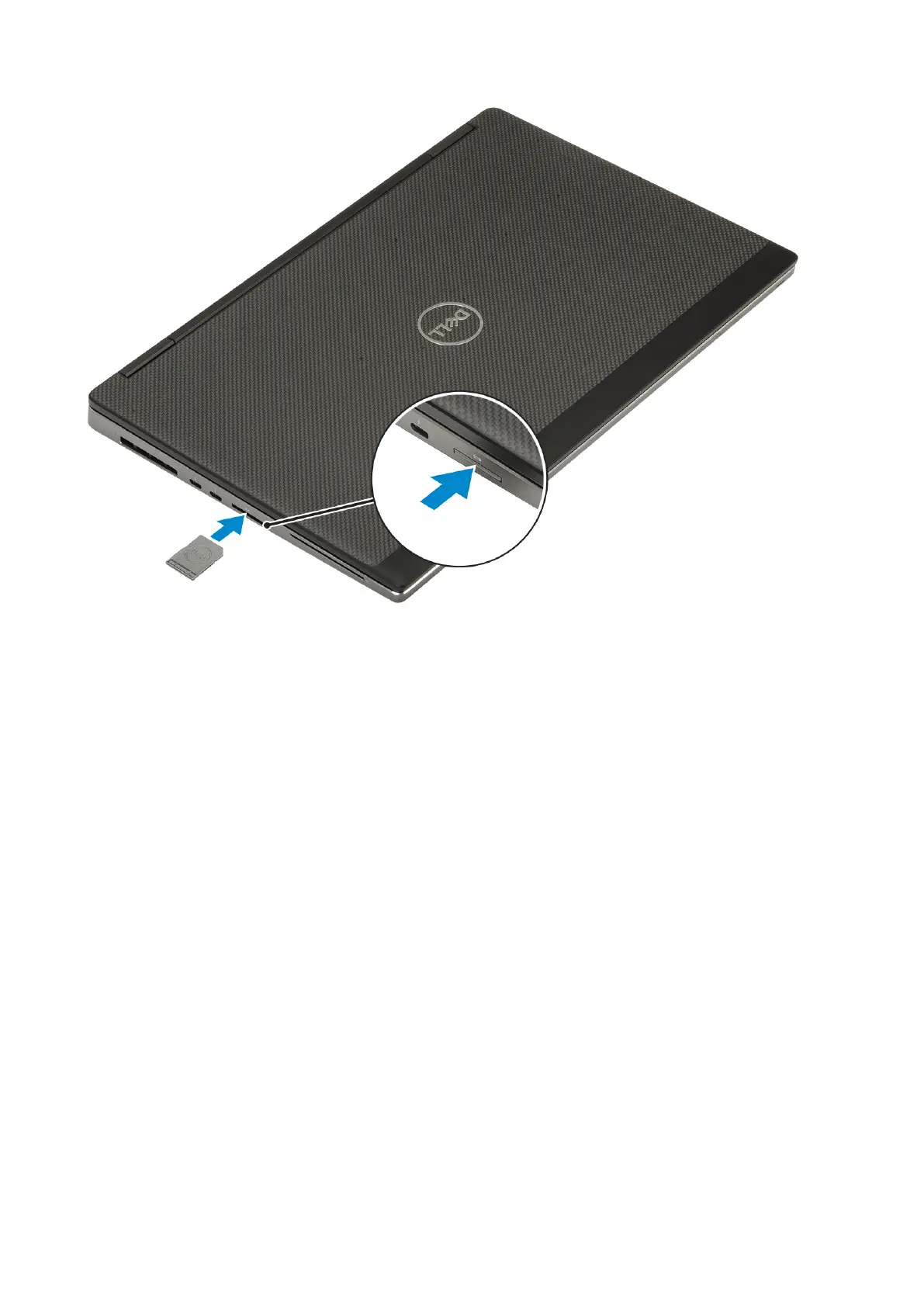
2. Follow the procedure in After working inside your computer.
Base cover
Removing the base cover
1. Follow the procedure in Before working inside your computer.
2. Remove the SD card.
3. To remove the base cover:
a. Loosen the 7 captive screws that secure the base cover to the system [1].
b. Pry open the base cover starting from the two recess point at the top edge of the system [2].
c. Pry around all the edges of the base cover [3].
d. Remove the base cover from the system [4].
Removing and installing components
17



 To Next Page