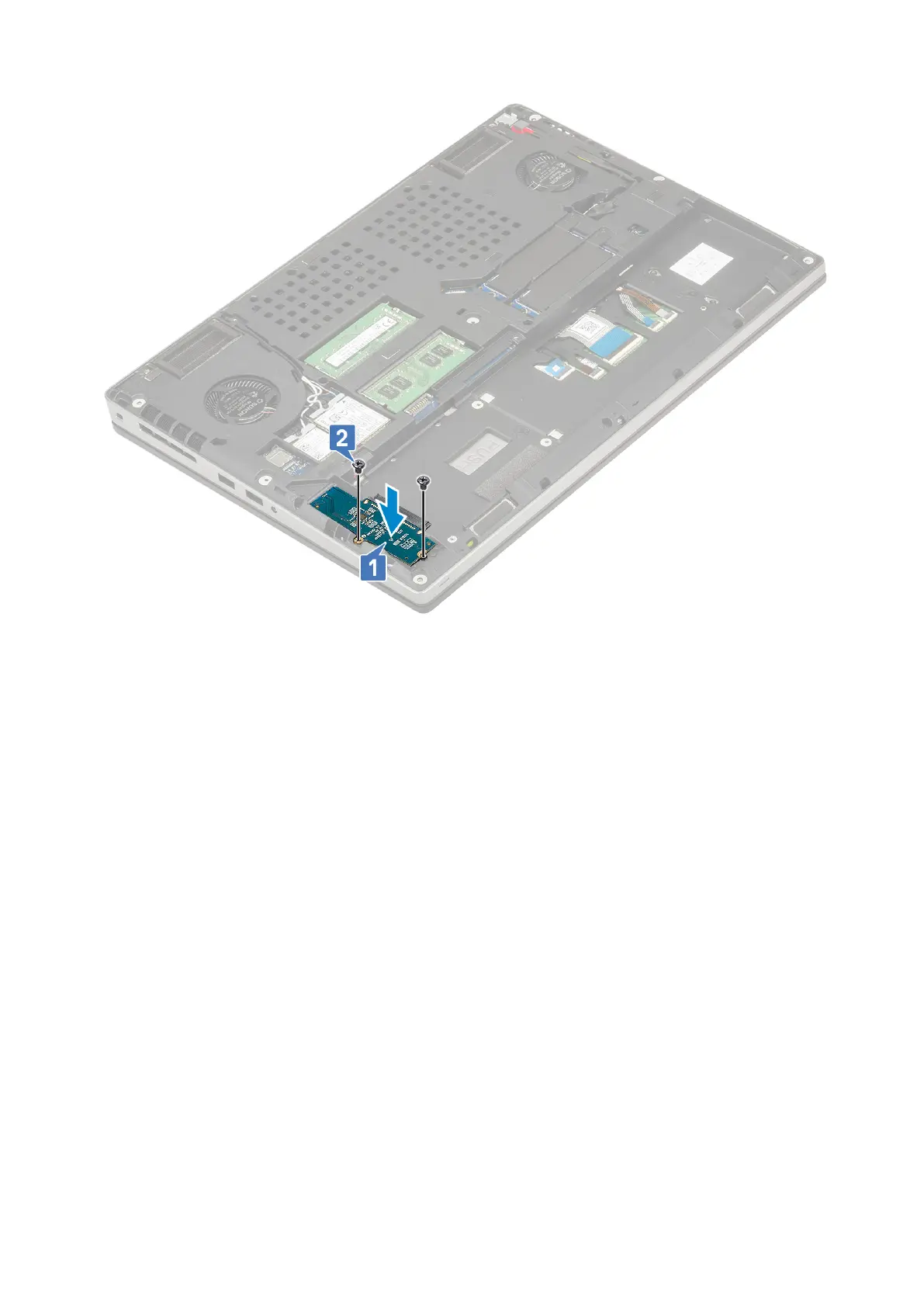
2. Install the:
a. hard drive
b. base cover
c. SD card
3. Follow the procedure in After working inside your computer.
Coin-cell battery
Removing the coin cell battery
1. Follow the procedures in Before working inside your computer.
2. Remove the:
a. SD card
b. base cover
c. battery
d. palmrest
3. To remove coin cell battery:
a. Disconnect the coin cell battery cable from the system [1].
b. Pry and lift the coin cell battery from the system [2].
46
Removing and installing components



 To Next Page