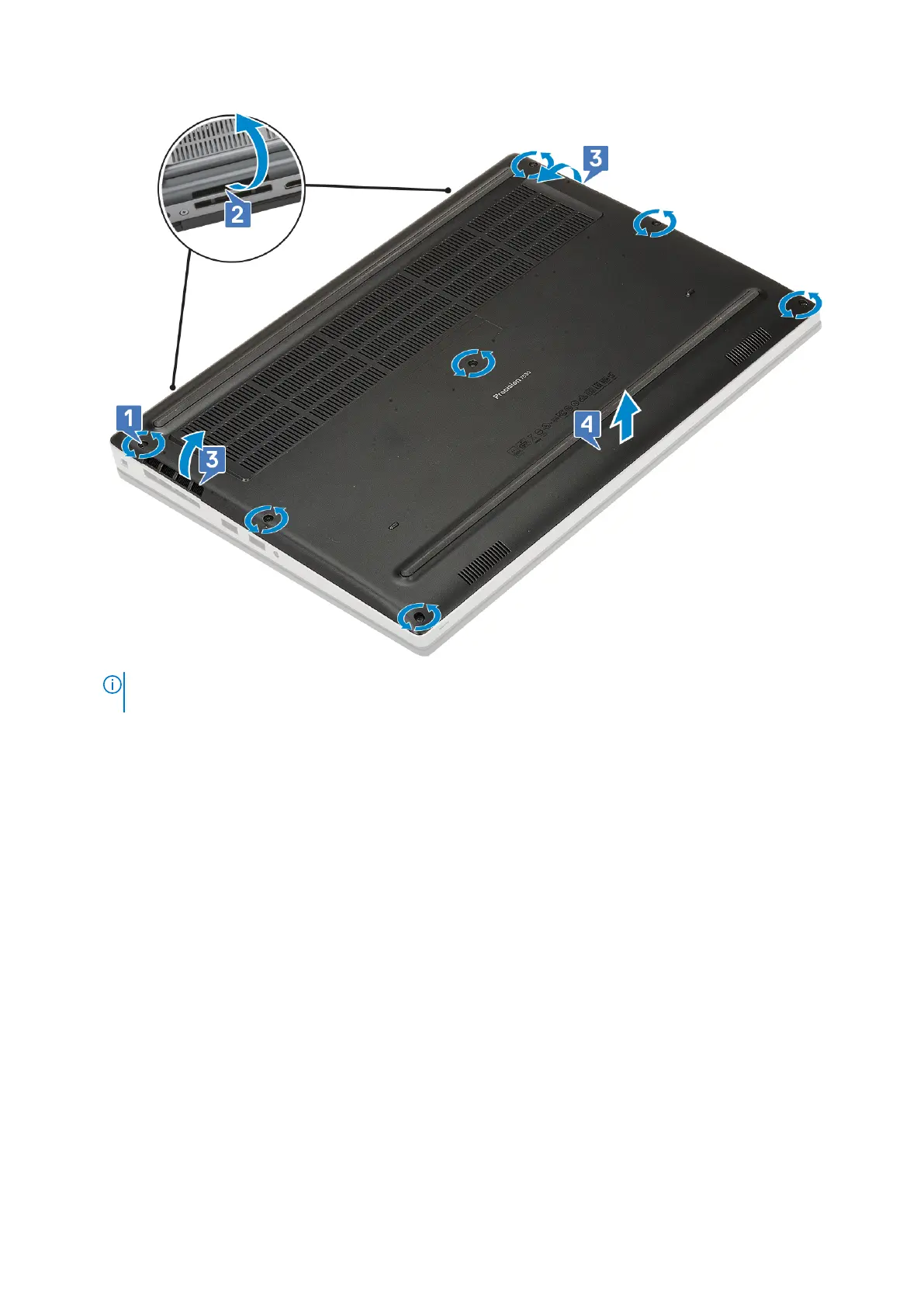
NOTE: While pry open the base cover make sure to use hands or plastic scribe—do not use any other sharp objects
as it may damage the chassis
Installing the base cover
1. To install the base cover:
a. Slide the base cover into its slot until it clicks into place [1, 2].
b. Tighten the captive screws to secure the base cover to the system [3].
18
Removing and installing components



 To Next Page