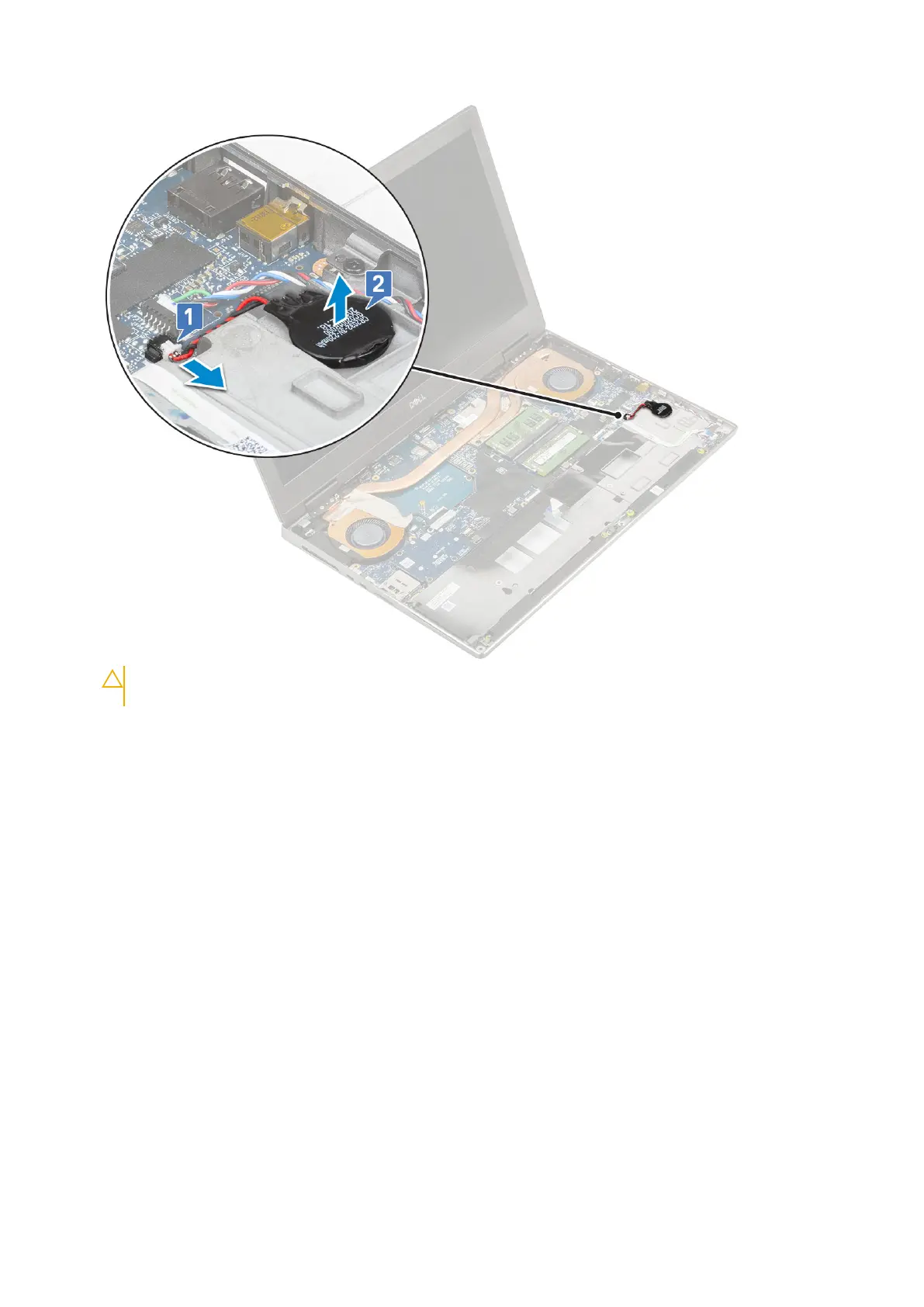
CAUTION: Disconnecting coin cell battery may reset BIOS settings, time and date within System
Settings, cause BitLocker or other security resets.
Installing the coin cell battery
1. To install the coin cell battery:
a. Replace the coin cell battery in its slot on the system.
b. Connect the coin cell battery cable to the system.
Removing and installing components
47



 To Next Page