i. display assembly
j. display bezel
k. display panel
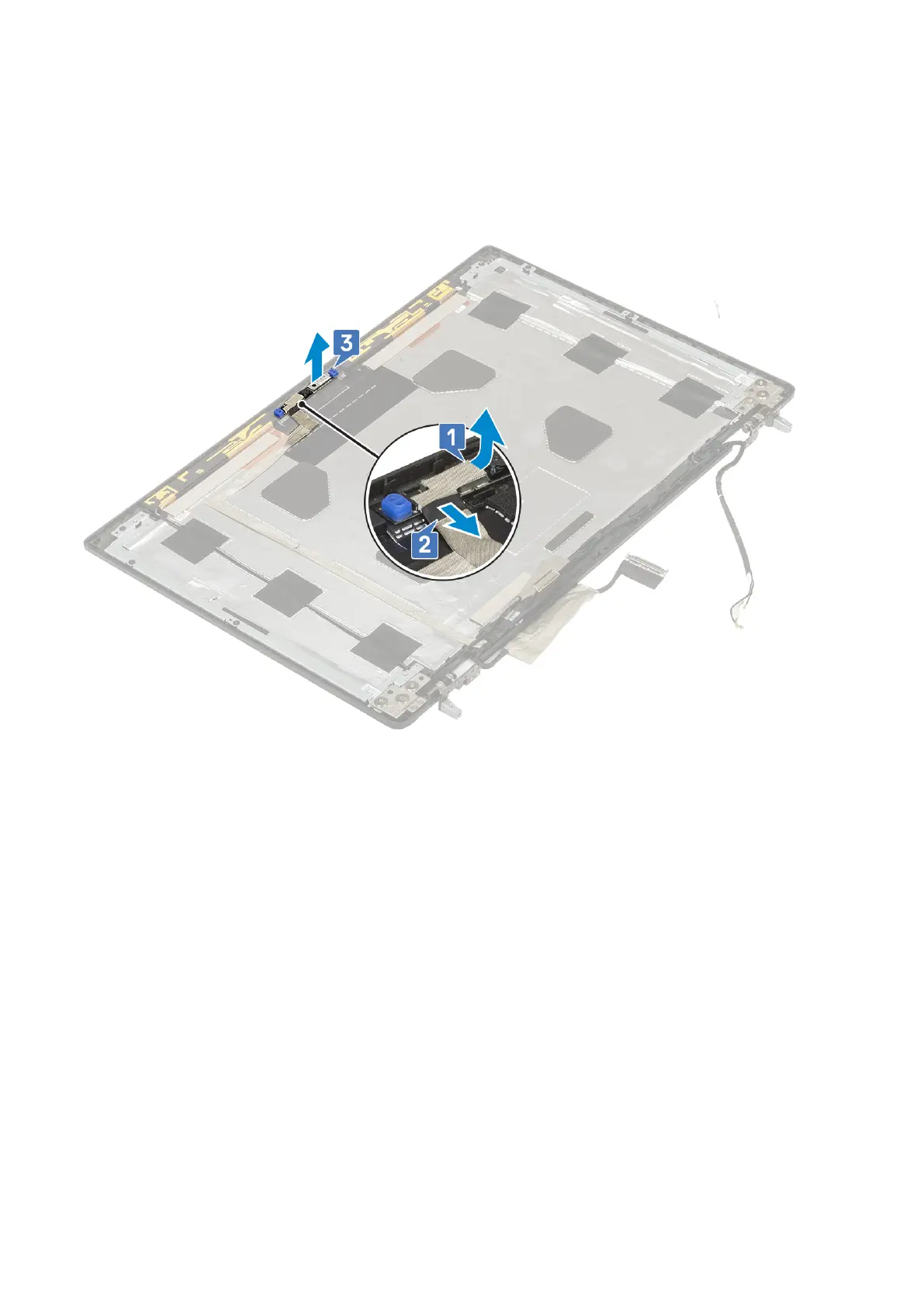
3. To remove camera:
a. Peel the adhesive tape that covers the camera module [1].
b. Disconnect the eDP cable from the camera module [2].
c. Carefully pry the camera module from the system [3].
Installing the camera
1. To install the camera:
a. Place the camera module in its slot on the system [1].
b. Connect the eDP cable to the camera module [2].
c. Affix the adhesive tape to cover the camera module [3].
94
Removing and installing components



 To Next Page