f. keyboard
g. primary memory
h. secondary memory
i. WLAN card
j. WWAN card
k. M.2 SSD card
l. SIM card
m. palmrest
n. heat sink assembly
o. graphic card
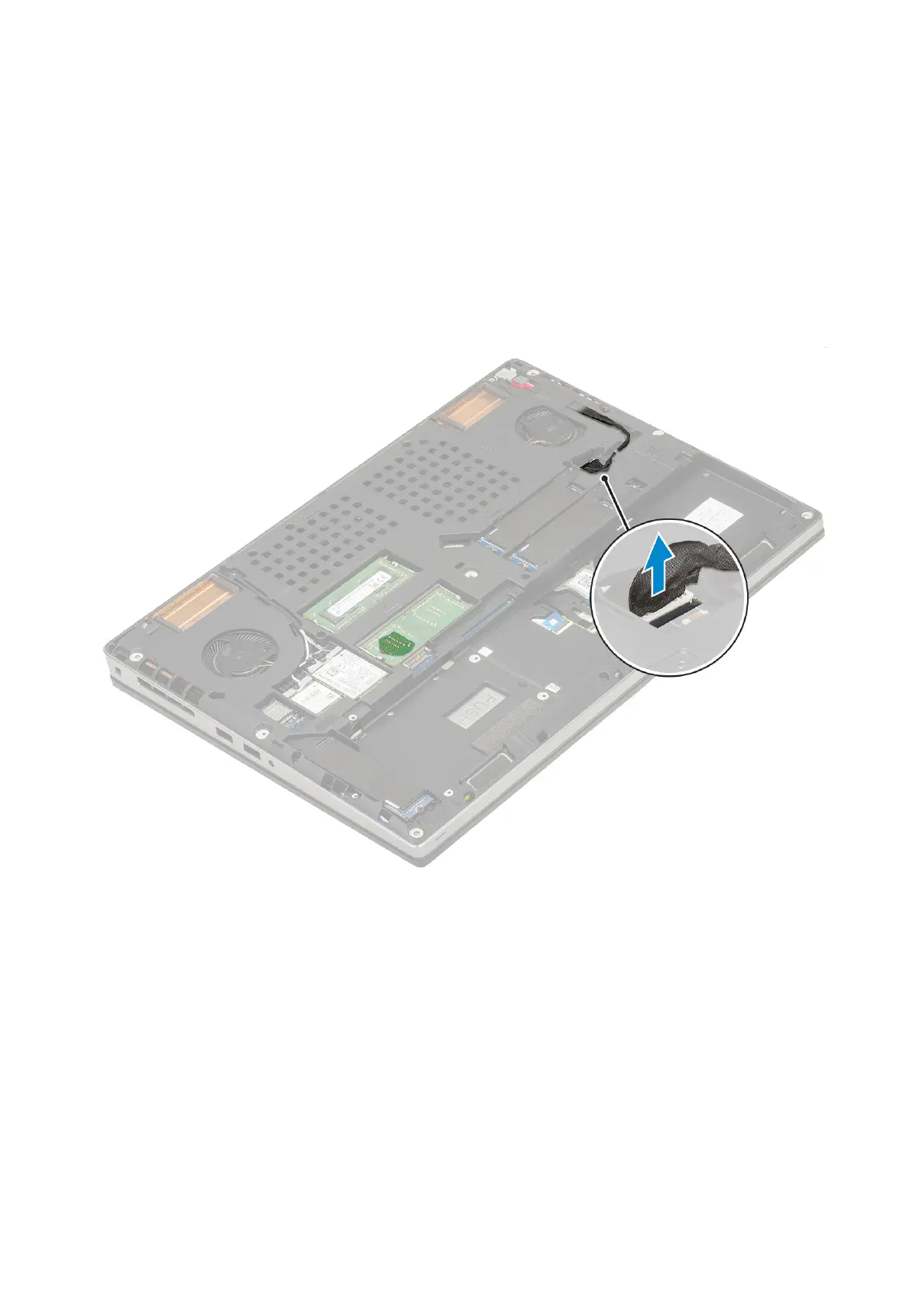
3. To disconnect the system board:
a. Disconnect the power connector cable from the connector on the system board .
b.
Remove the 3 (M2.0x5.0) screws that secure the Type-C USB bracket to the system [1].
c. Remove the Type-C USB bracket from the system [2].
d. Disconnect the touchpad cable, LED board cable and speaker from the connectors on the system board [3, 4, 5] and peel
the coin cell battery from the system [6].
76
Removing and installing components



 To Next Page