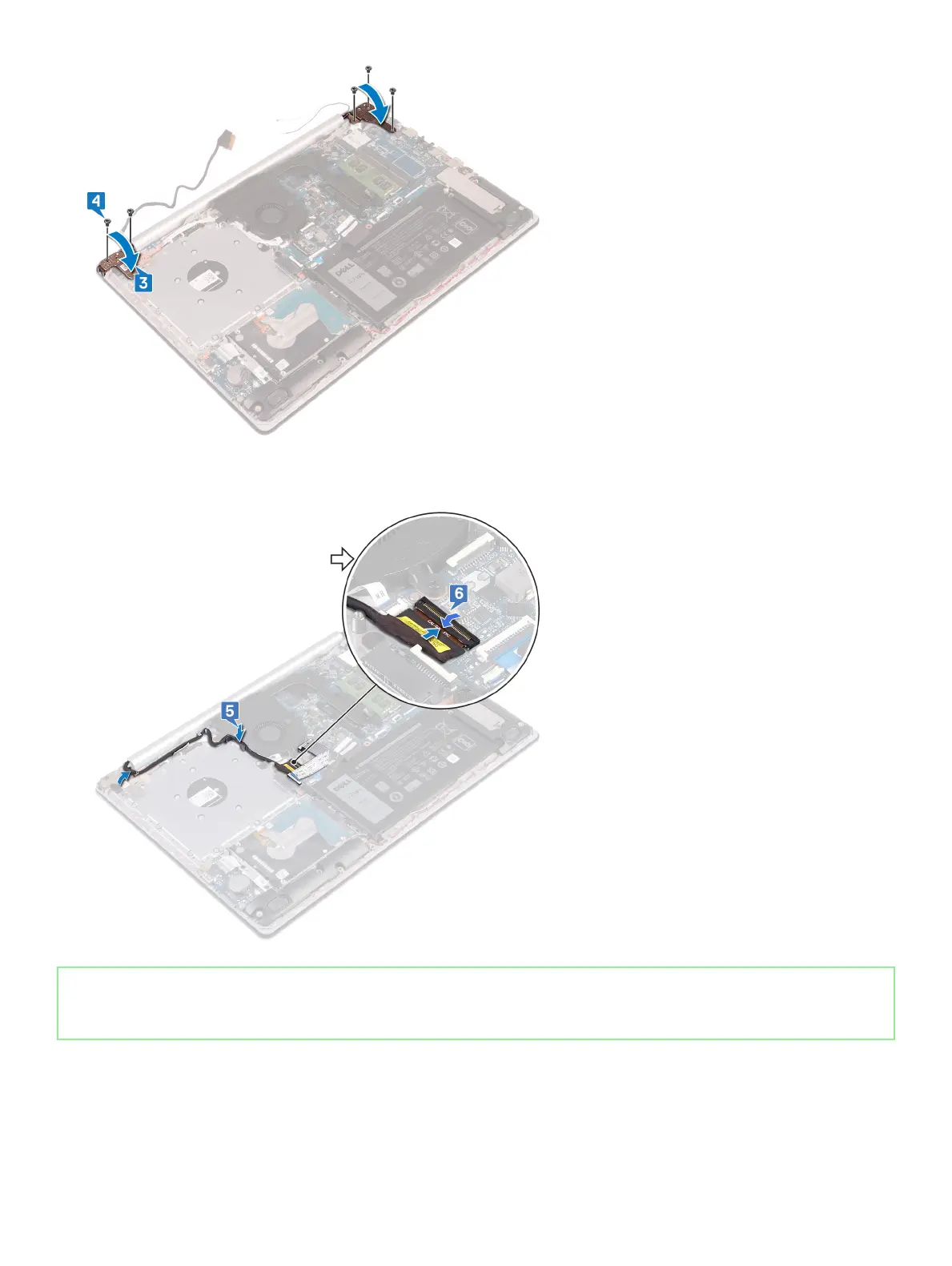
5 Route the display cable through the routing guides on the fan and the palm rest and keyboard assembly.
6 Slide the display cable to the connector on the system board and close the latch to secure the cable.
Identifier GUID-1F49E909-9334-41FC-AFB6-250DDFA147FF
Status Released
Post-requisites
1 Replace the wireless card.
2 Replace the base cover.
64
Replacing the display assembly





 To Next Page