54 Installing System Components
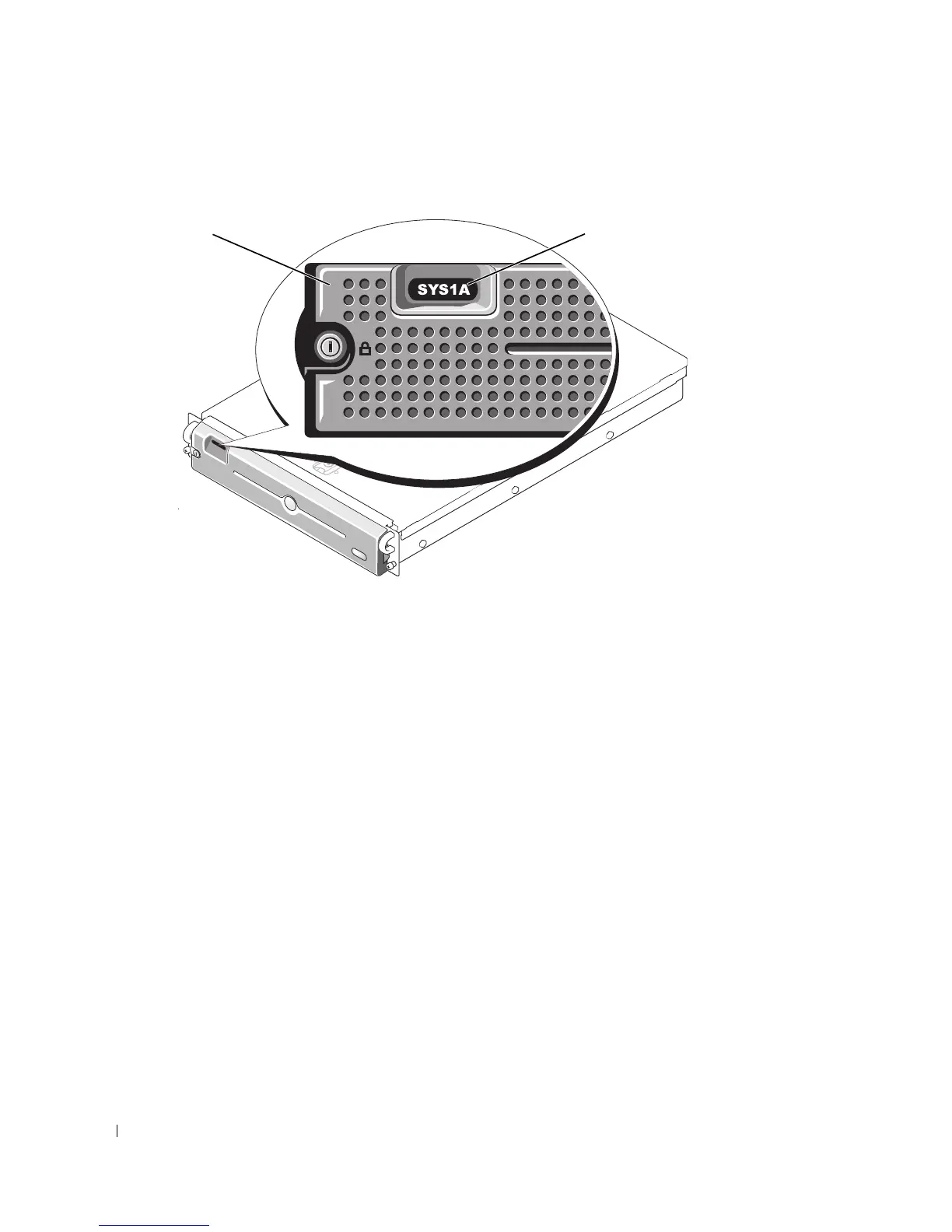
Figure 3-2. Control Panel LCD With Bezel Installed
Removing the Front Bezel
1
Using the system key, unlock the bezel.
2
Press the tab at the left end of the bezel.
3
Rotate the left end of the bezel away from the system to release the right end of the bezel.
4
Pull the bezel away from the system. See Figure 3-3.
1 bezel 2 control panel LCD
2
1














 To Next Page