64 Installing System Components
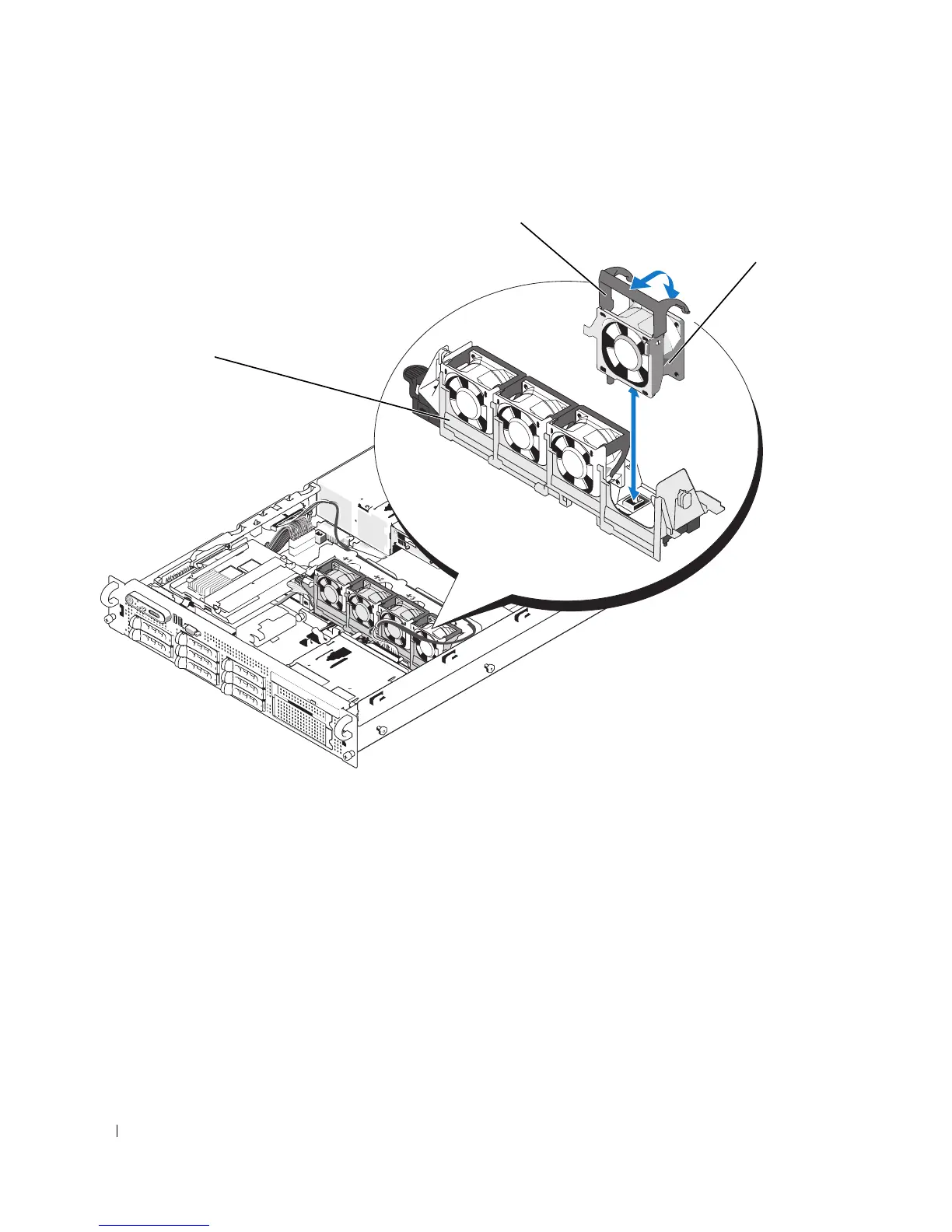
Figure 3-8. Removing and Installing a Cooling Fan
Replacing a Cooling Fan
1
Ensure that the fan handle is upright and lower the fan into its fan bracket until the fan is fully seated.
Then lower the fan handle until it snaps into place. See Figure 3-8.
2
Close the system. See "Closing the System" on page 56.
1 fan bracket 2 fan handle 3 fan
2
3
1














 To Next Page