60 Installing System Components
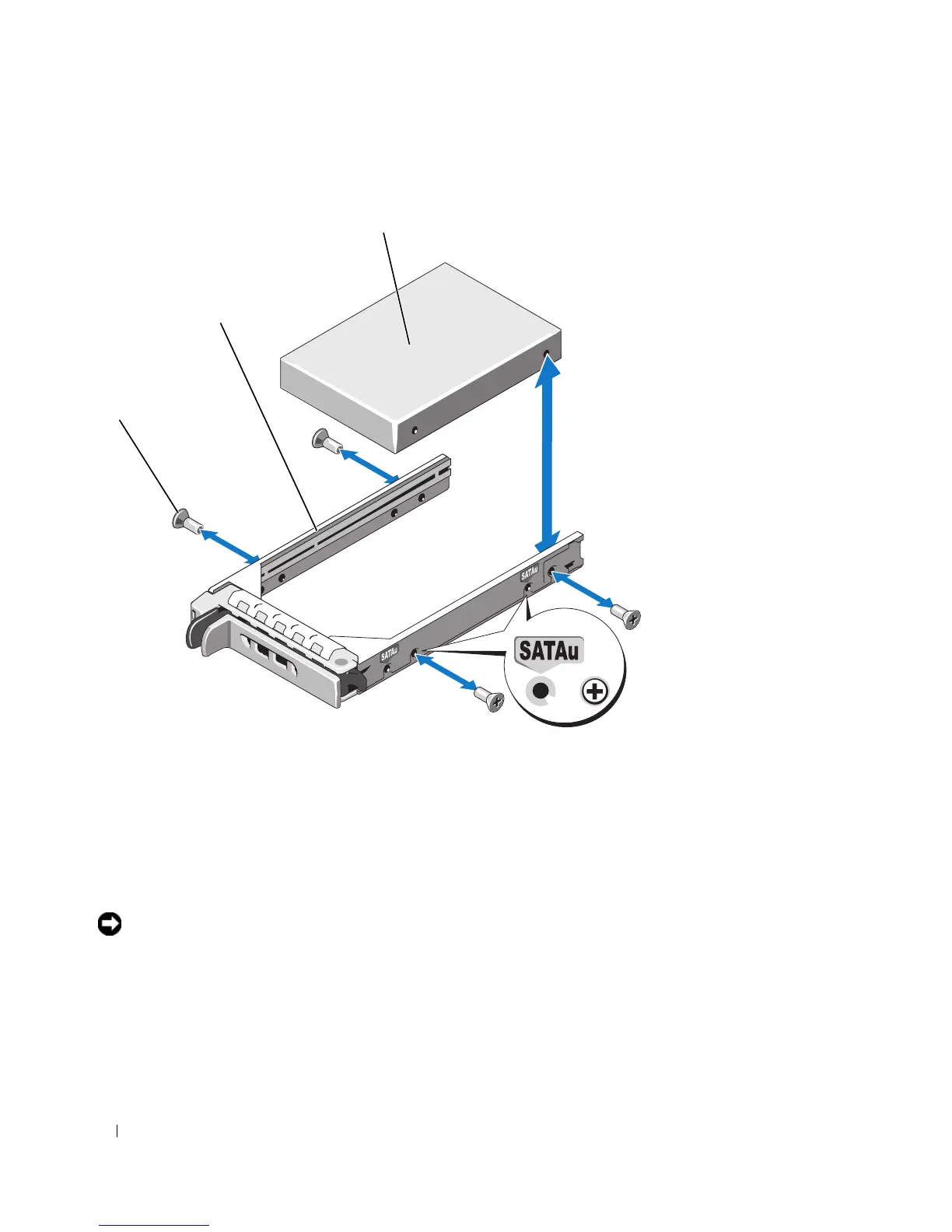
Figure 3-6. Installing a SAS Hard Drive Into a SATAu Drive Carrier
Power Supplies
Your system supports one or two power supplies rated at an output of 750 W. If only one power supply is
installed, it must be installed in the left power supply bay (1). If two power supplies are installed, the
second power supply serves as a redundant, hot-plug power source.
NOTICE: To ensure proper system cooling, the power supply blank must be installed on the unoccupied power
supply bay in a non-redundant configuration. See "Installing the Power Supply Blank" on page 63.
1 screws (4) 2 drive carrier 3 hard drive
1
3
2














 To Next Page