Installing System Components 73
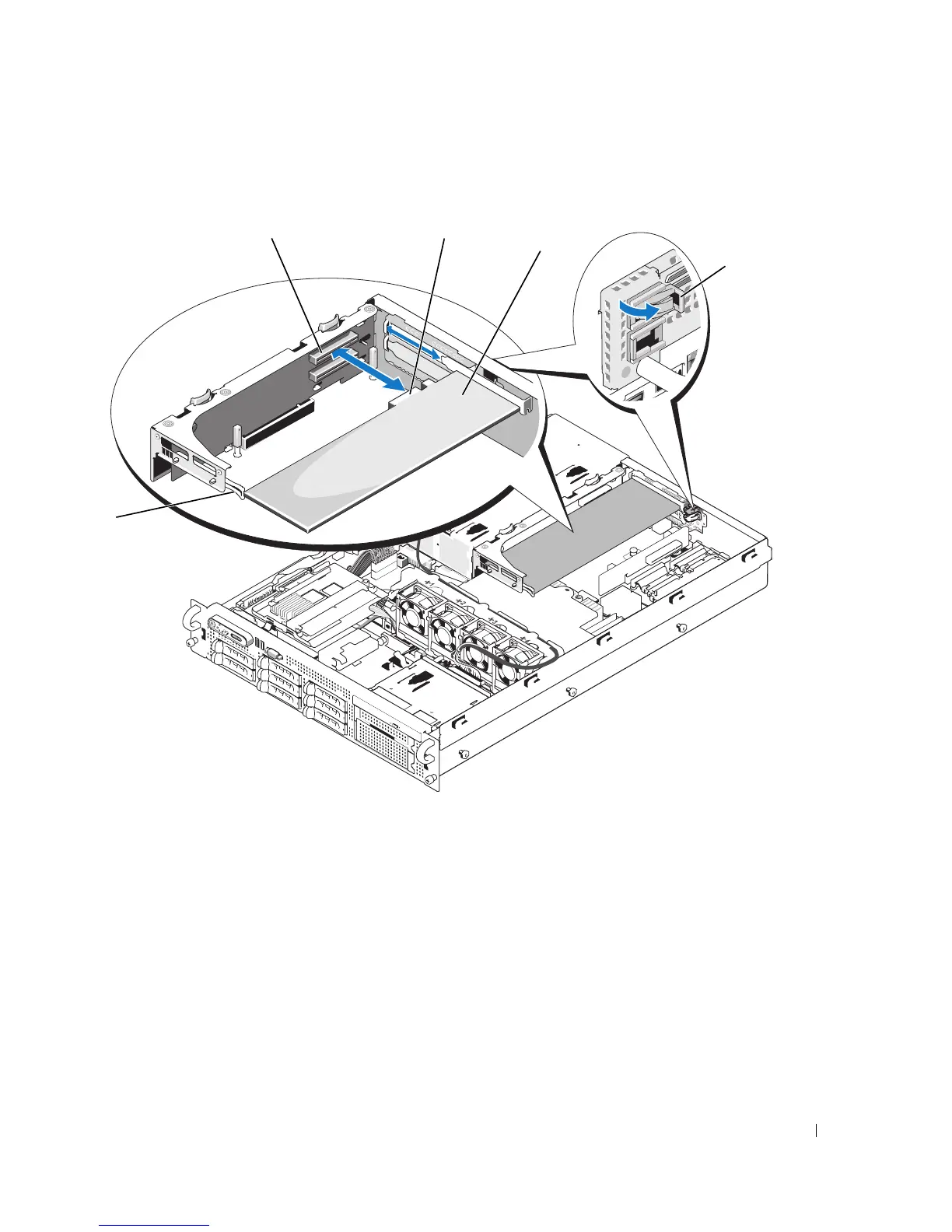
Figure 3-14. Installing an Expansion Card
6
Connect any expansion-card cables for the new card.
See the documentation that came with the card for information about its cable connections.
7
Close the system. See "Closing the System" on page 56.
1 front card guide 2 expansion-card connector 3 card-edge connector
4 expansion card 5 expansion-card guide latch
5
1
3
2
4














 To Next Page