20 About Your System
Item Indicator, Button, or
Connector
Icon Description
1 power supplies (2) Depending on the configuration of your
system, you may have a redundant power
supply or a non-redundant power supply.
NOTE: Figure 1-3 shows a system with a
redundant power supply.
Non-redundant power supply — 375 W
Redundant power supply — 400 W
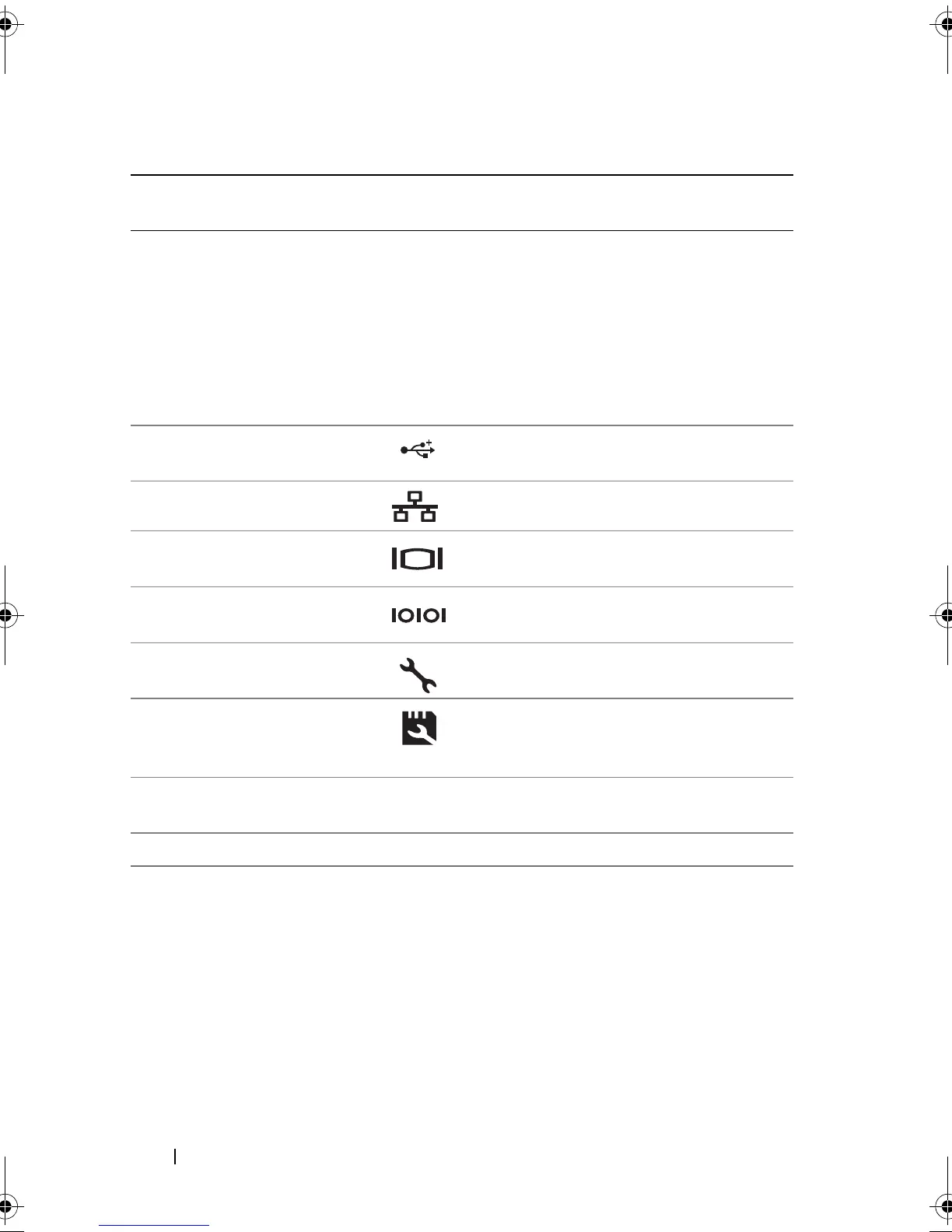
2 USB connectors (4) Connects USB devices to the system.
The ports are USB 2.0-compliant.
3 Ethernet connectors (2) Integrated 10/100/1000 NIC connectors.
4 video connector Connects a VGA display to the system.
5 serial connector Connects a serial device to the system.
6 iDRAC6 Enterprise
port (optional)
Dedicated management port for the
optional iDRAC6 Enterprise card.
7 VFlash media slot
(optional)
Connects an external SD memory card
for the optional iDRAC6 Enterprise
card.
8 PCIe expansion card
slots (5)
Connects up to five PCI Express.
Generation 2 expansion cards.
9 security cable slot Connects a cable lock to the system.
book.book Page 20 Wednesday, August 19, 2009 4:40 PM














 To Next Page