Using a Battery 49
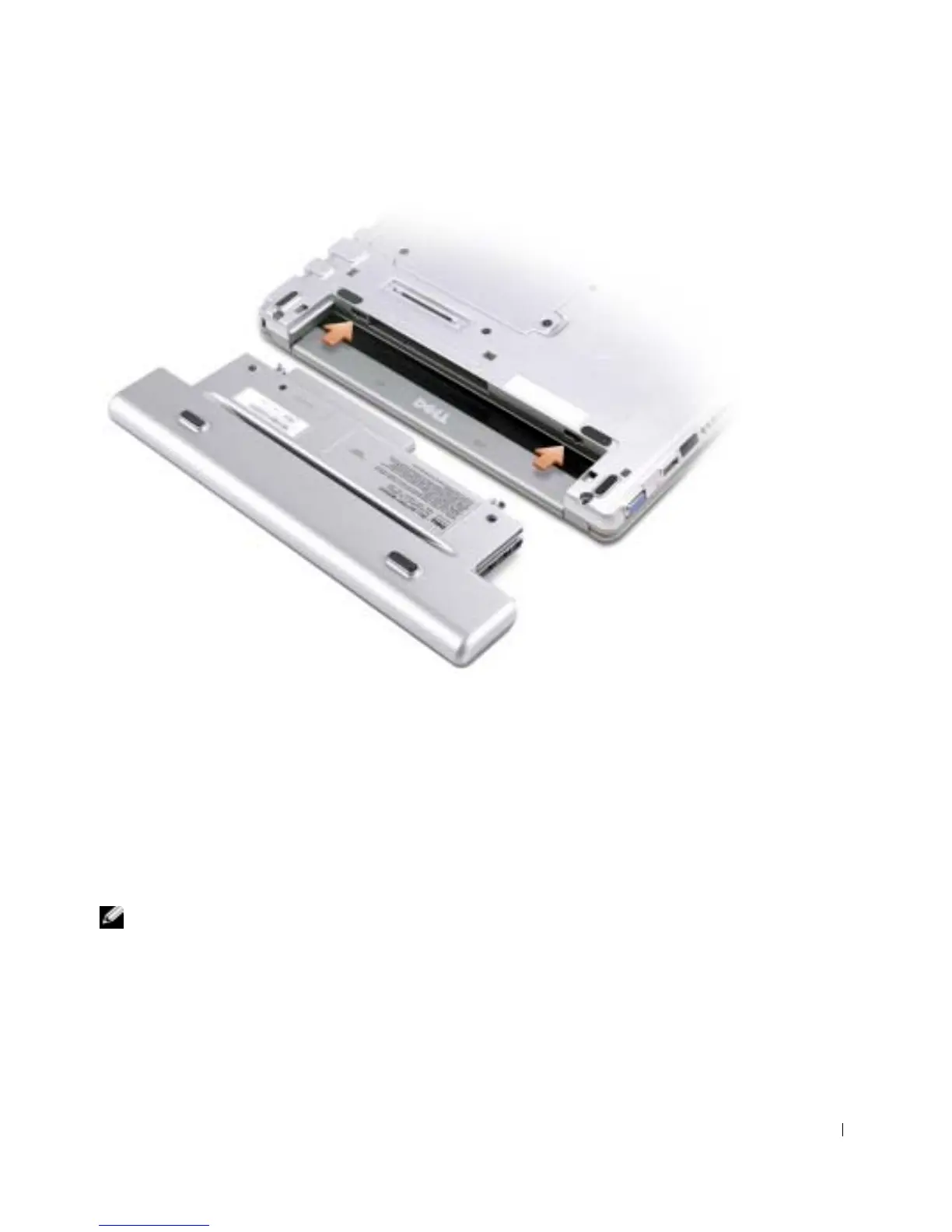
Installing the Optional Extended Battery
Storing a Battery
Remove the battery when you store your computer for an extended period of time. A
battery discharges during prolonged storage. After a long storage period, recharge the
battery fully before you use it. See "Charging the Battery" on page 47.
Power Problems
NOTE: See the
Dell Inspiron Help
file for information on standby mode. To access help, see
"Finding Information for Your Computer" on page 17.
C
HECK THE POWER LIGHT — When the power light is lit or blinking, the computer has power. If
the power light is blinking, the computer is in standby mode—press the power button to exit standby
mode. If the light is off, press the power button to turn on the computer.










 To Next Page