Using the Dell™ D/Bay 53
3 Insert the new device into the bay, push the device until it clicks, and push the device
latch release in so that it is flush with the bay.
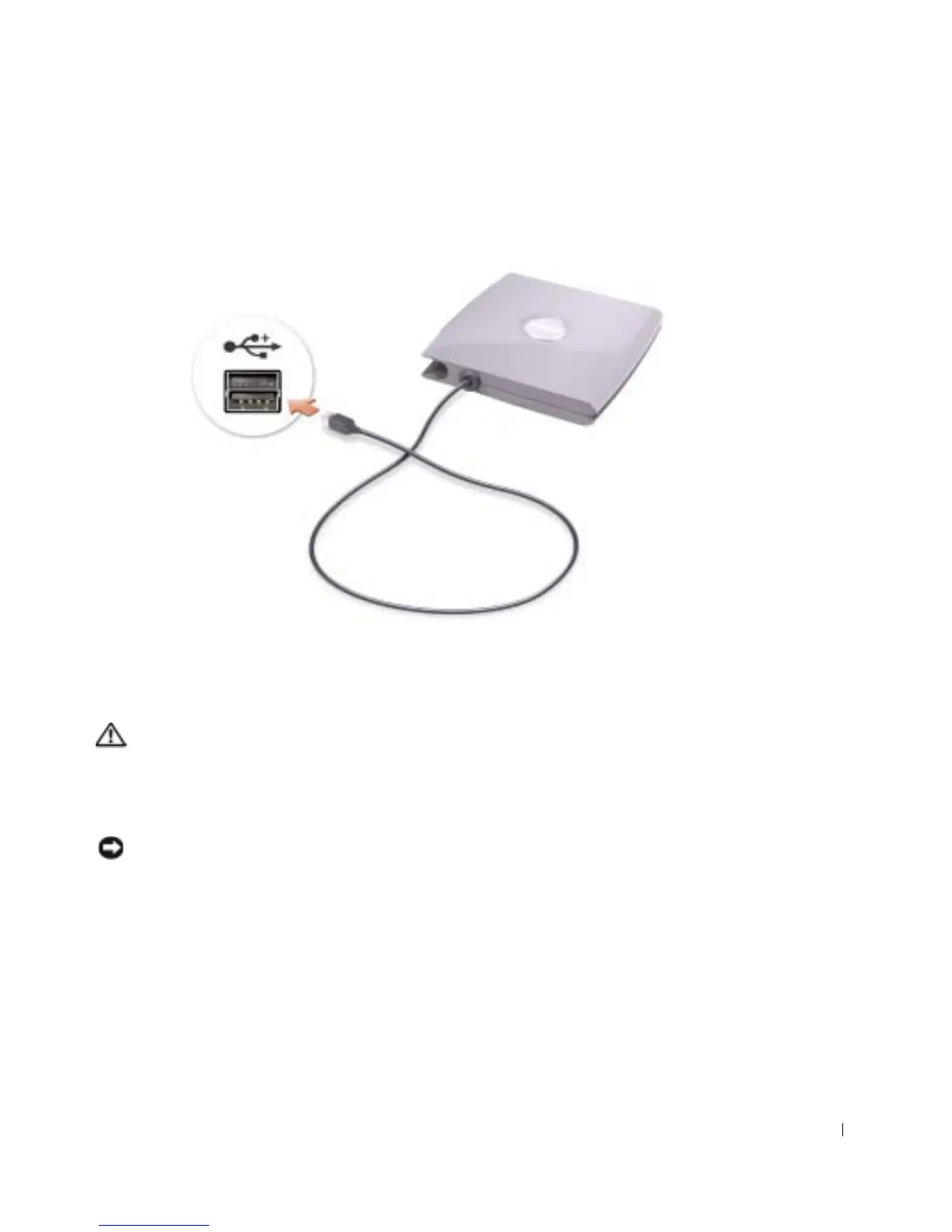
4 Connect the D/Bay cable to the Dell D/Bay connector on the computer.
Removing and Installing Devices While the
Computer Is Running
CAUTION: Before performing any of the procedures listed below, read the safety
instructions on page 9.
1
Double-click the Safely Remove Hardware icon on the taskbar.
2 Click the device you want to eject.
NOTICE: To prevent damage to devices, place them in a safe, dry place when they are not
installed in the computer. Avoid pressing down on them or placing heavy objects on top of them.










 To Next Page