52 Using the Dell™ D/Bay
www.dell.com | support.dell.com
About the Dell D/Bay
You can install Dell D-Family devices, such as a floppy drive or an optical drive, into the
Dell D/Bay.
Removing and Installing Devices When the
Computer Is Turned Off
NOTICE: To prevent damage to devices, place them in a safe, dry place when they are not
installed in the computer. Avoid pressing down on them or placing heavy objects on top of them.
1
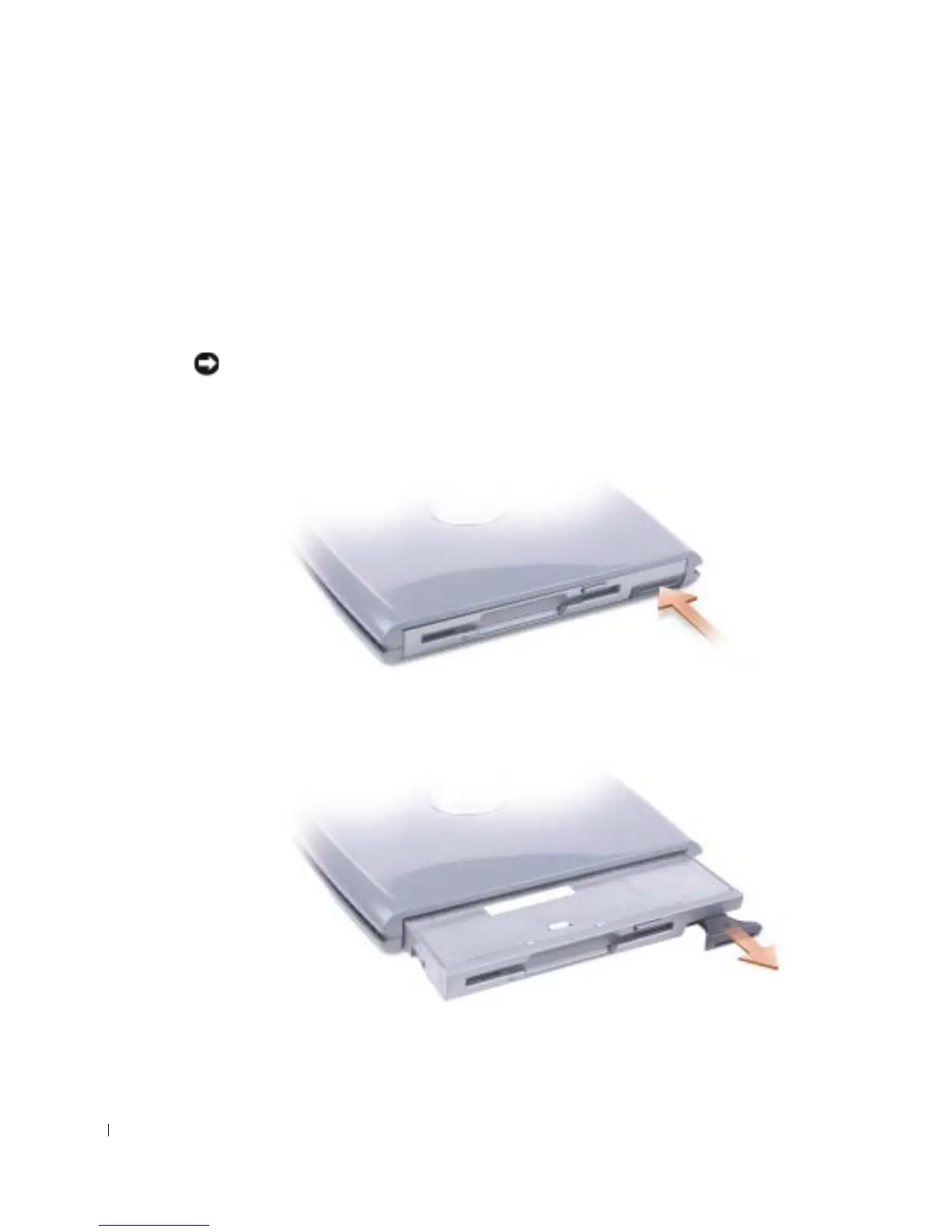
Press the device latch release so that the latch release pops out.
2 Pull the device by the latch release to remove the device from the D/Bay.










 To Next Page