20 A Tour of Your Computer
www.dell.com | support.dell.com
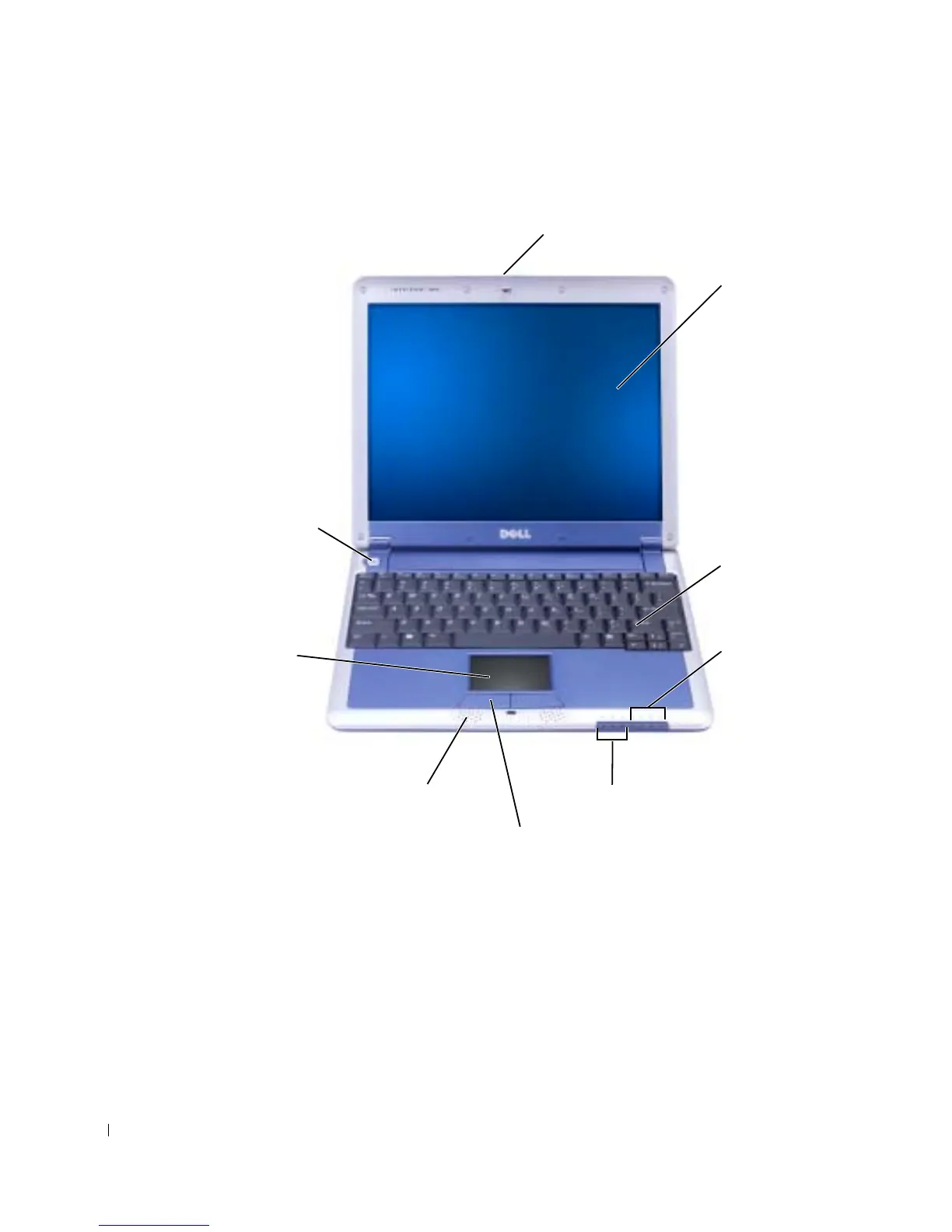
Front View
DISPLAY LATCH — Keeps the display closed.
DISPLAY — For more information on using your color display, see "Using the Display" in the Dell
Inspiron Help file. To access help, see "Finding Information for Your Computer" on page 17.
KEYBOARD — The keyboard includes a numeric keypad as well as the Microsoft
®
Windows
®
logo
key. For information on supported keyboard shortcuts, see "Keyboard Shortcuts" on page 56.
display
display latch
keyboard
device status lights
keyboard status lights
touch pad button (2)
speaker (2)
touch pad
power button










 To Next Page