A Tour of Your Computer 21
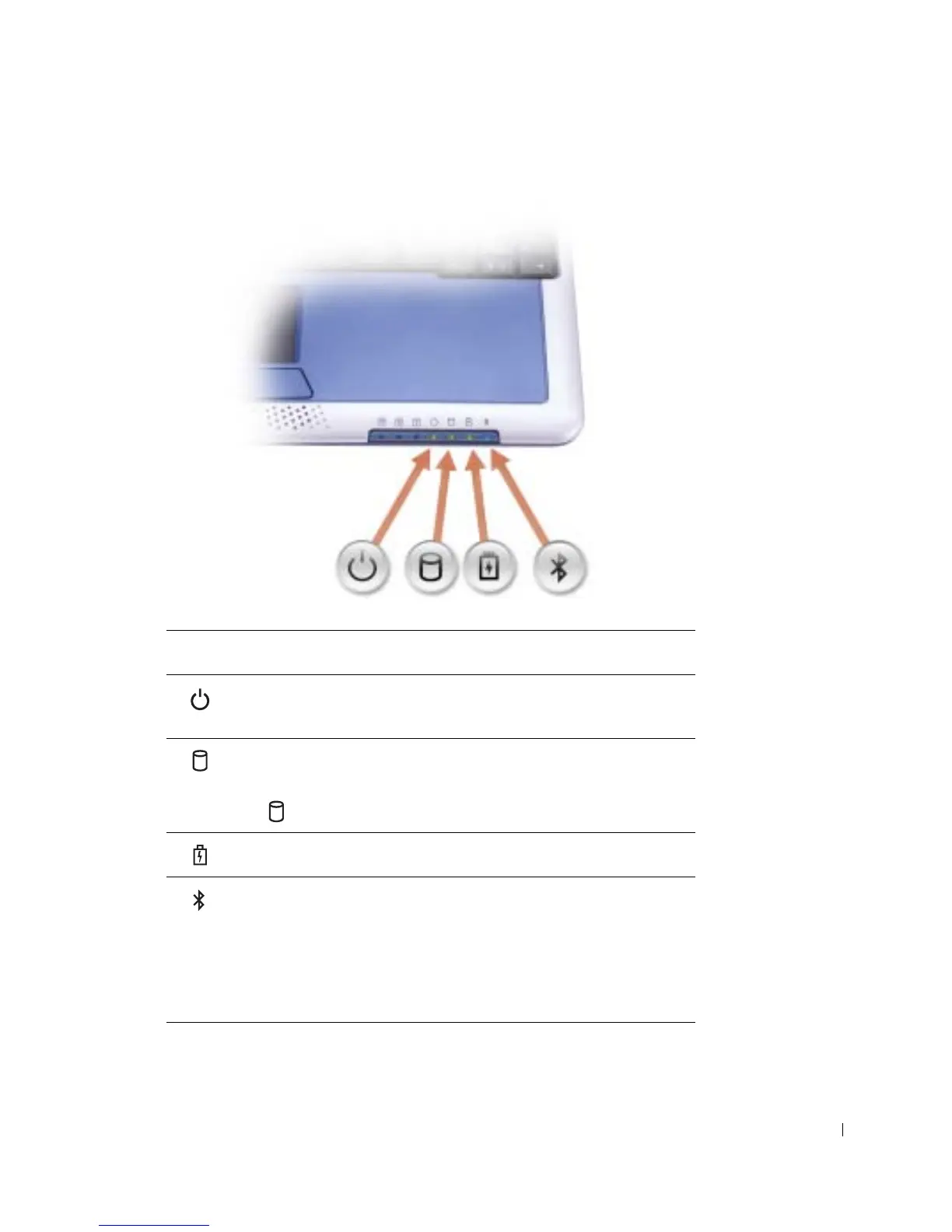
DEVICE STATUS LIGHTS
Device Status Lights
Turns on when you turn on the computer or blinks steadily when the
computer is in standby mode.
Turns on when the computer reads or writes data.
NOTICE: To avoid loss of data, never turn off the computer while
the light is flashing.
Indicates battery charge status.
Turns on only if the Bluetooth™ module is already installed and the
wireless antenna is enabled. To enable or disable the antenna, press
<Fn><F2>.
NOTE: The wireless features on your computer, including Bluetooth
and Mini PCI card are optional. For more information, see the
documentation that came with your wireless technology.










 To Next Page