24 A Tour of Your Computer
www.dell.com | support.dell.com
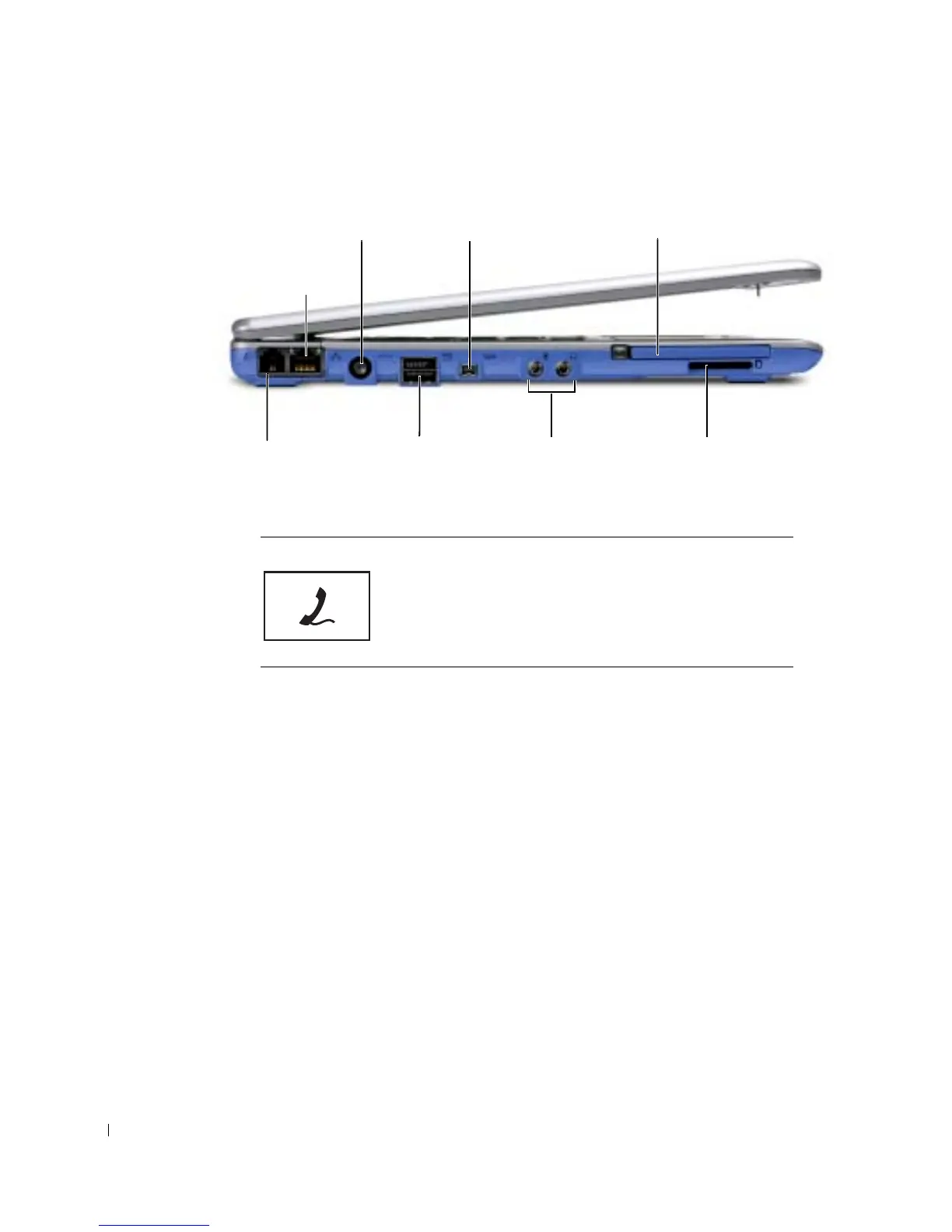
Left Side View
MODEM CONNECTOR (OPTIONAL)
If you ordered the optional internal modem, connect the
telephone line to the modem connector.
For information on using the modem, see the online modem
documentation supplied with your computer. See "Finding
Information for Your Computer" on page 17.
modem connector
(optional)
network
connector
AC adapter connector 1394 connector
D/Bay
connector
audio
connector
Secure Digital
memory card slot
PC Card slot










 To Next Page