A Tour of Your Computer 25
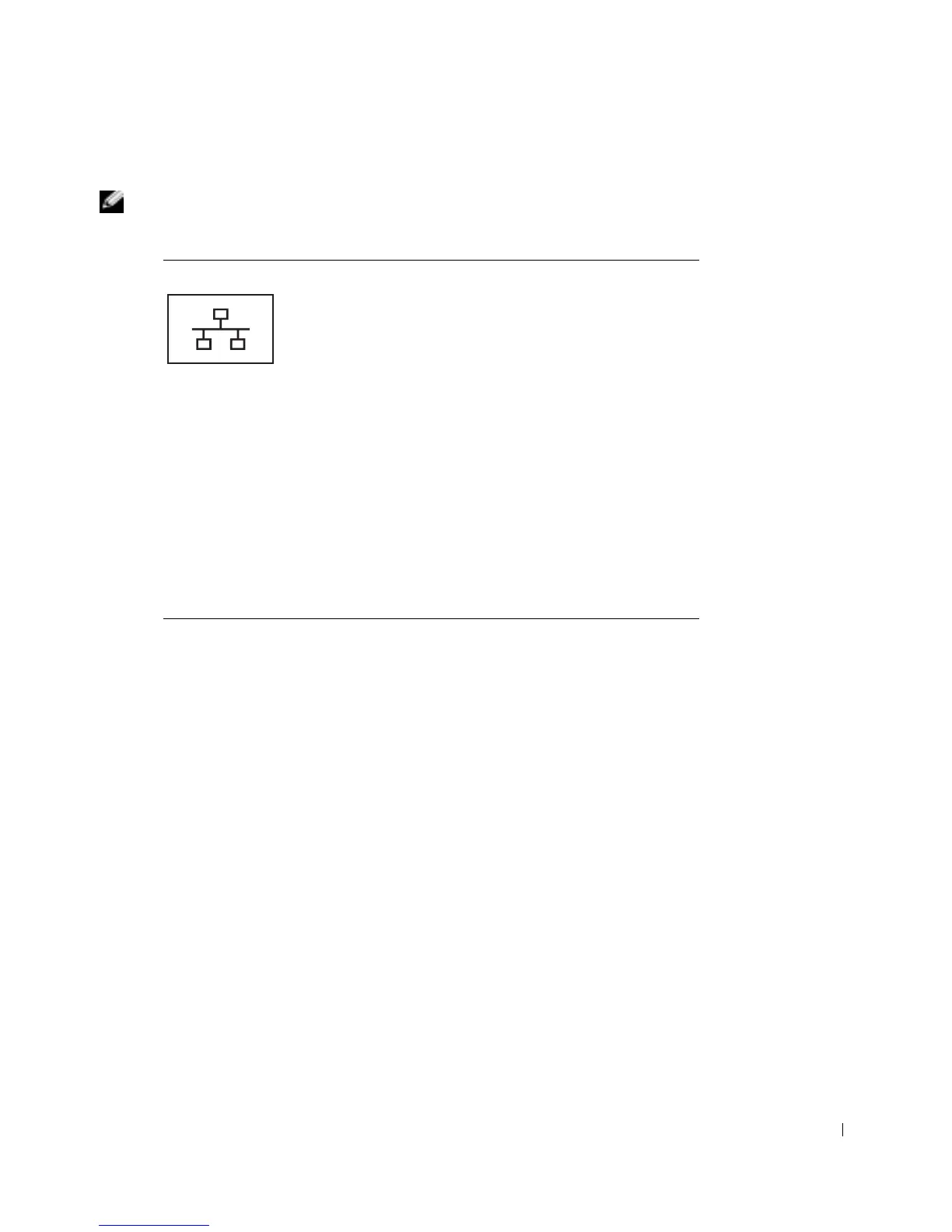
NETWORK CONNECTOR
NOTE: The network connector is slightly larger than the modem connector. Do not plug a
telephone line into the network connector.
RJ-45
NETWORK CONNECTOR — Connects the
computer to a network.
The network connector has status lights on both sides.
If the light on the right is off, the media base is not detecting
a network connection. Try replacing the network cable. The
light on the right blinks yellow when the network is active.
The light on the left indicates the link speed:
SOLID GREEN —Connection speed is 10 Mbps.
AMBER — Connection speed is 100 Mbps.
YELLOW — Connection speed is 1 Gbps.
For information on using the network adapter, see the
documentation that came with your computer.
NOTICE: Do not plug a telephone cable into the network
connector.










 To Next Page