26 A Tour of Your Computer
www.dell.com | support.dell.com
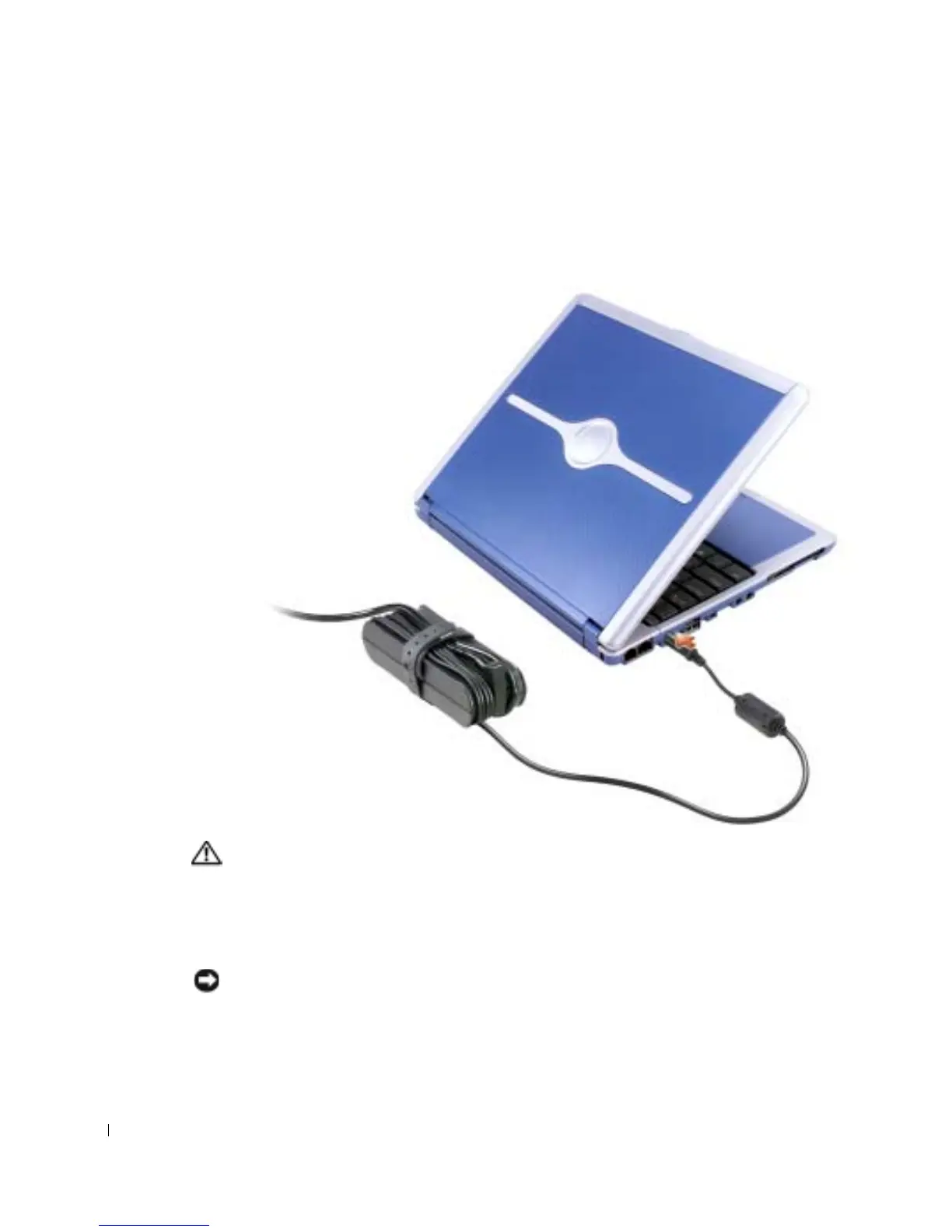
AC ADAPTER CONNECTOR — Attach an AC adapter to the computer and to AC power to convert
AC power to the DC power required by the computer. You can connect the AC adapter with your
computer either turned on or off.
The power cable manager can be removed from the AC adapter. For details, see the label that came
with your AC adapter.
CAUTION: If you are using a multiple-outlet power strip, use caution when
plugging the AC adapter’s power cable into the power strip. Some power strips
may allow you to insert the plug incorrectly. Incorrect insertion of the power
plug could result in permanent damage to your computer, as well as risk of
electric shock and/or fire. Ensure that the ground prong of the power plug is
inserted into the mating ground contact of the power strip.
NOTICE: When you disconnect the AC adapter from the computer, hold the adapter cable
connector, not the cable itself, and pull firmly but gently to avoid damaging the cable.










 To Next Page