22 A Tour of Your Computer
www.dell.com | support.dell.com
If the computer is connected to an electrical outlet, the light operates as follows:
– Solid green: The battery is charging.
– Flashing green: The battery is almost fully charged.
– Off: The battery is fully charged
If the computer is running on a battery, the light operates as follows:
– Off: The battery is adequately charged (or the computer is turned off).
– Flashing orange: The battery charge is low.
– Solid orange: The battery charge is critically low.
K
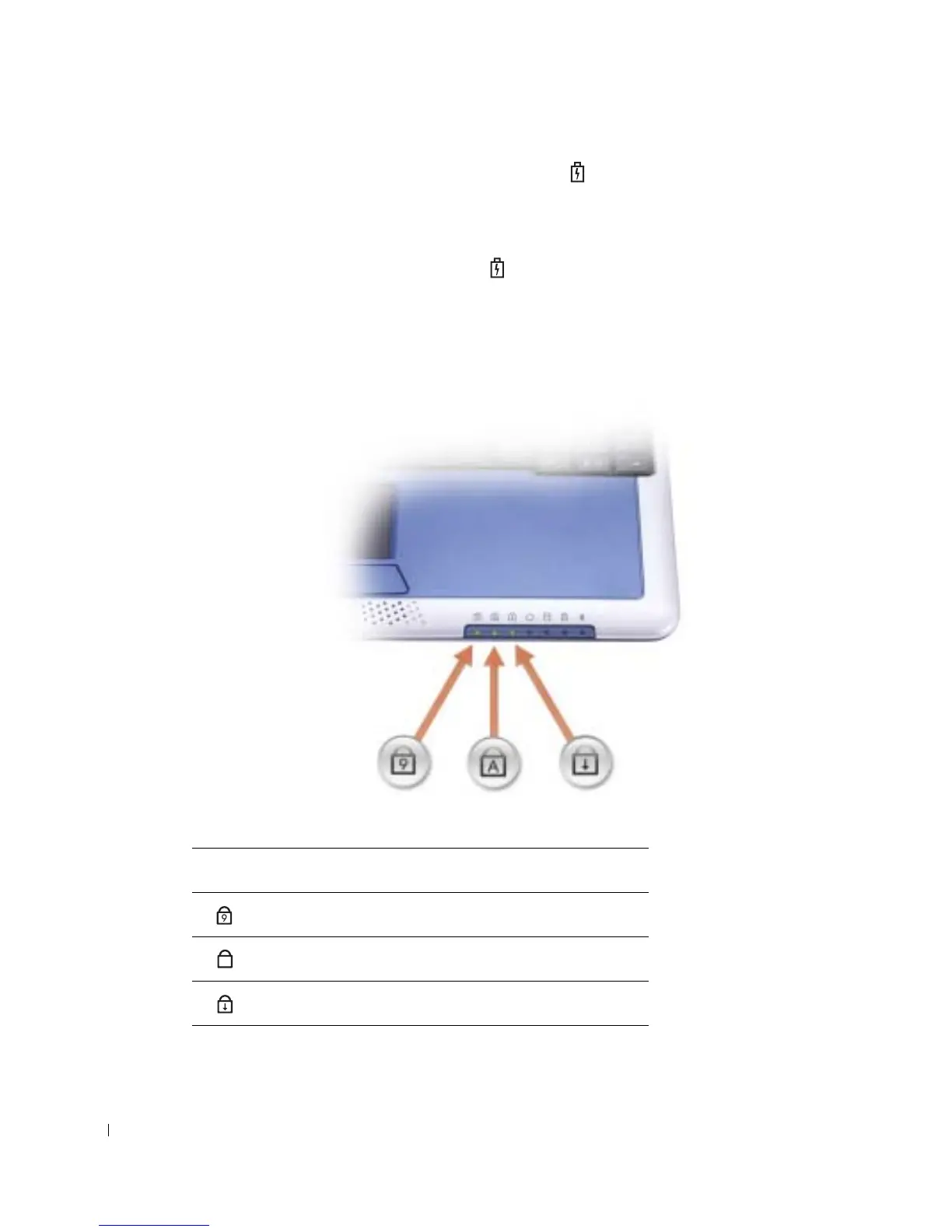
EYBOARD STATUS LIGHTS
Keyboard Status Lights
Turns on when the numeric keypad is enabled.
Turns on when the uppercase letter function is enabled.
Turns on when the scroll lock function is enabled.
9
A










 To Next Page