54 Using the Dell™ D/Bay
www.dell.com | support.dell.com
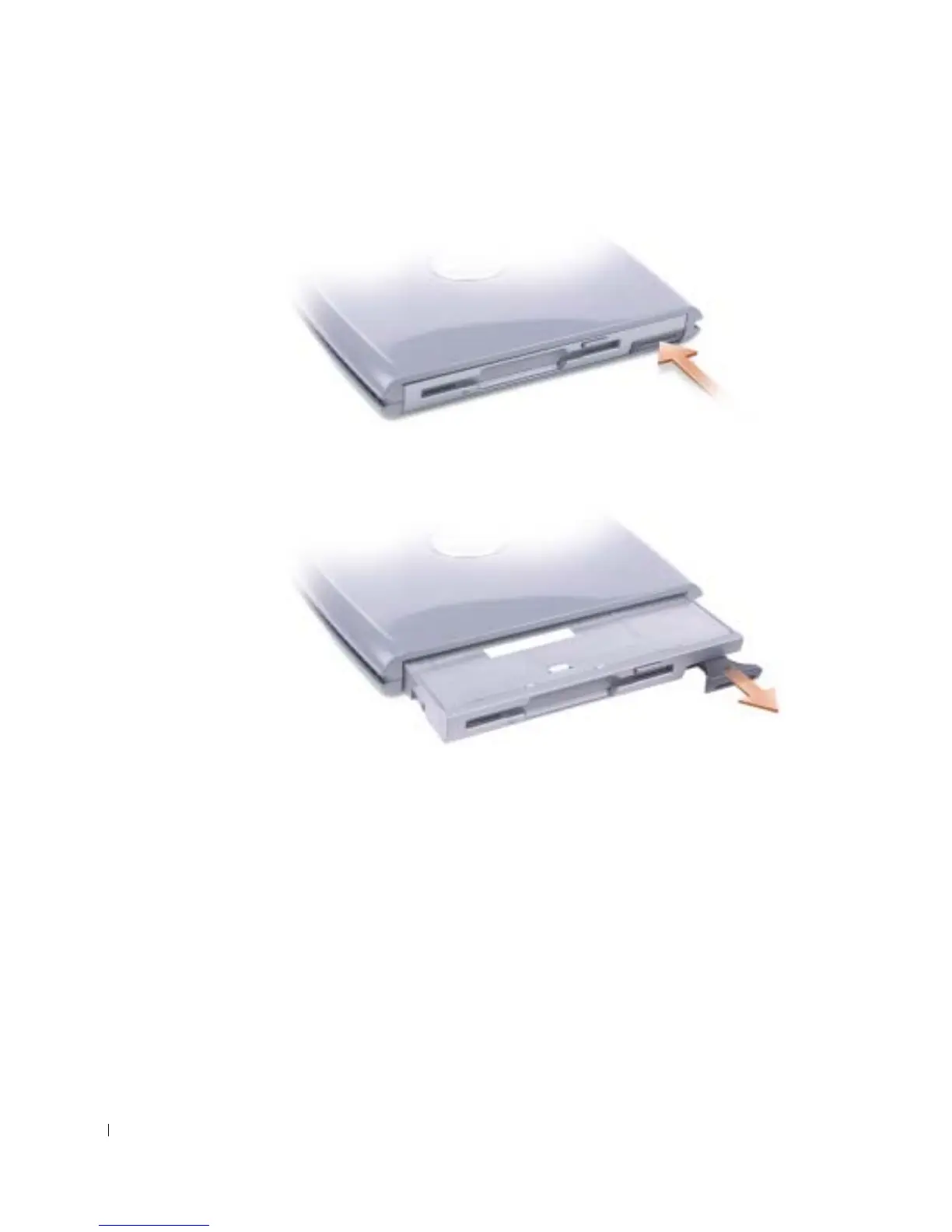
3 Press the device latch release so that the latch release pops out.
4 Pull the device by the latch release to remove the device from the D/Bay.
5 Insert the new device into the bay, push the device until it clicks, and push the device
latch release in so that it is flush with the bay.
Windows XP automatically recognizes the new device.
6 If necessary, enter your password to unlock your drive.










 To Next Page