14 Connecting Your Projector
Install the Cable Cover
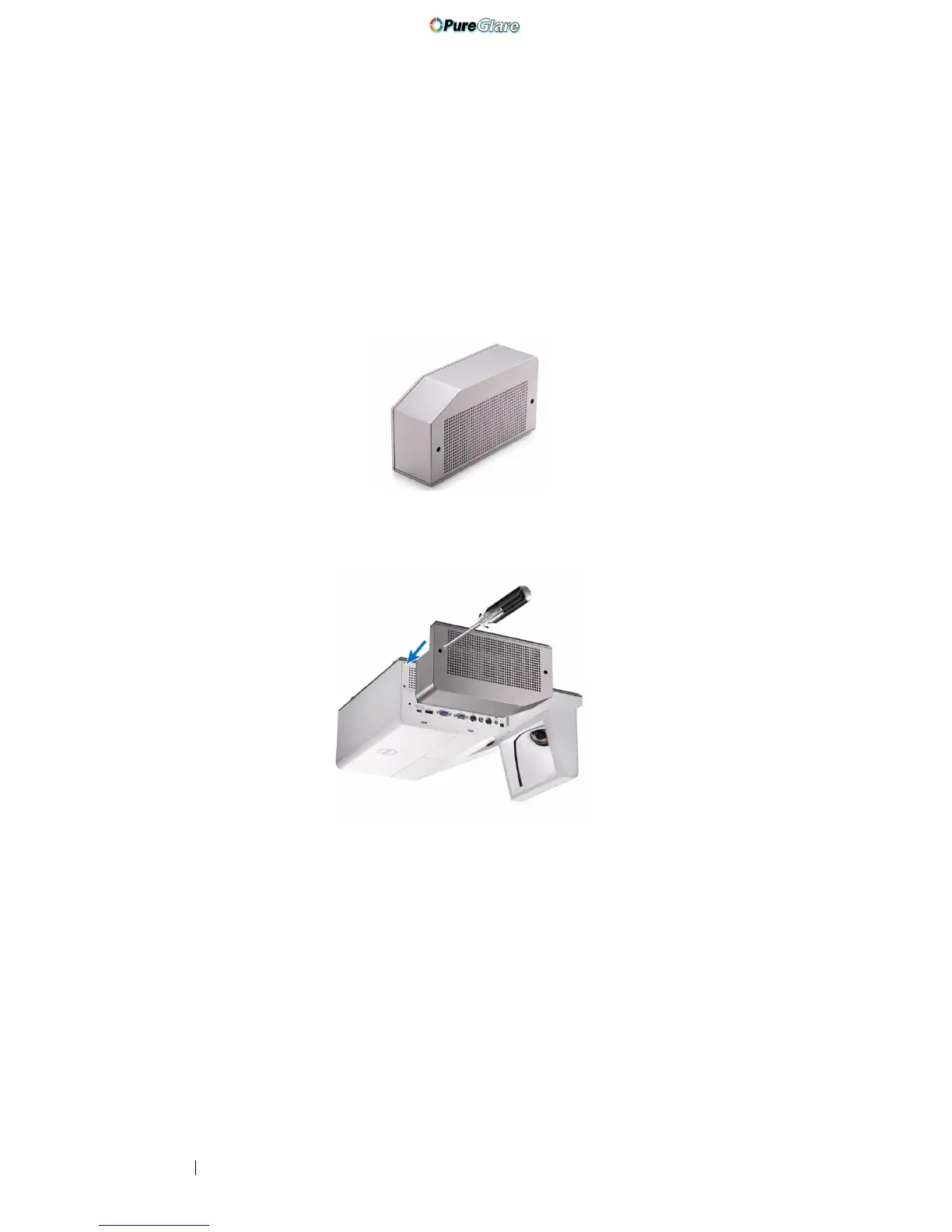
Your projector comes with a cable cover. You can find cable cover in your
projector's box.
Follow the following steps to assemble the cable cover and your projector.
1
Locate the cable cover in the projector's box.
2
Assemble the cable cover to your projector at the Right.
http://www.pureglare.com.au



 To Next Page