78 Using Your Projector
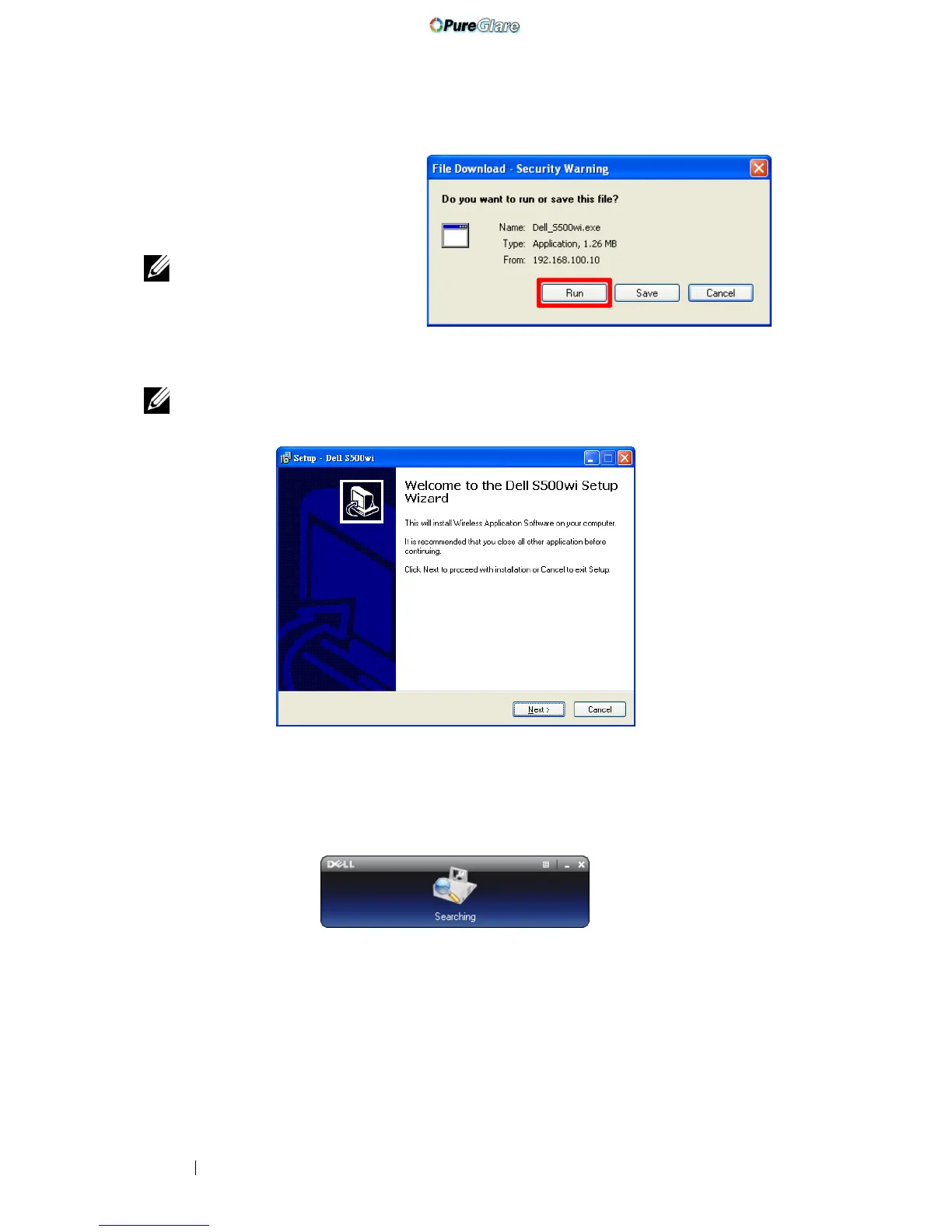
11 Click Run to proceed with
the one-time installation of
the software.
NOTE: You may choose to
save the file and install it at a
latter time. To do this, click
Save.
NOTE: If you are unable to install the application because of inadequate rights
on the computer, please contact your network administrator.
S500 or S500wi Wireless Application Software
Once the installation is complete, the S500 or S500wi Wireless Application
software will launch and will search for the projector automatically. The below
screen appears:
Login
To communicate with your projector, enter the Login Code provided in Step 6 of
Wireless Networking Installation, then click OK.
http://www.pureglare.com.au



 To Next Page