Using Your Projector 39
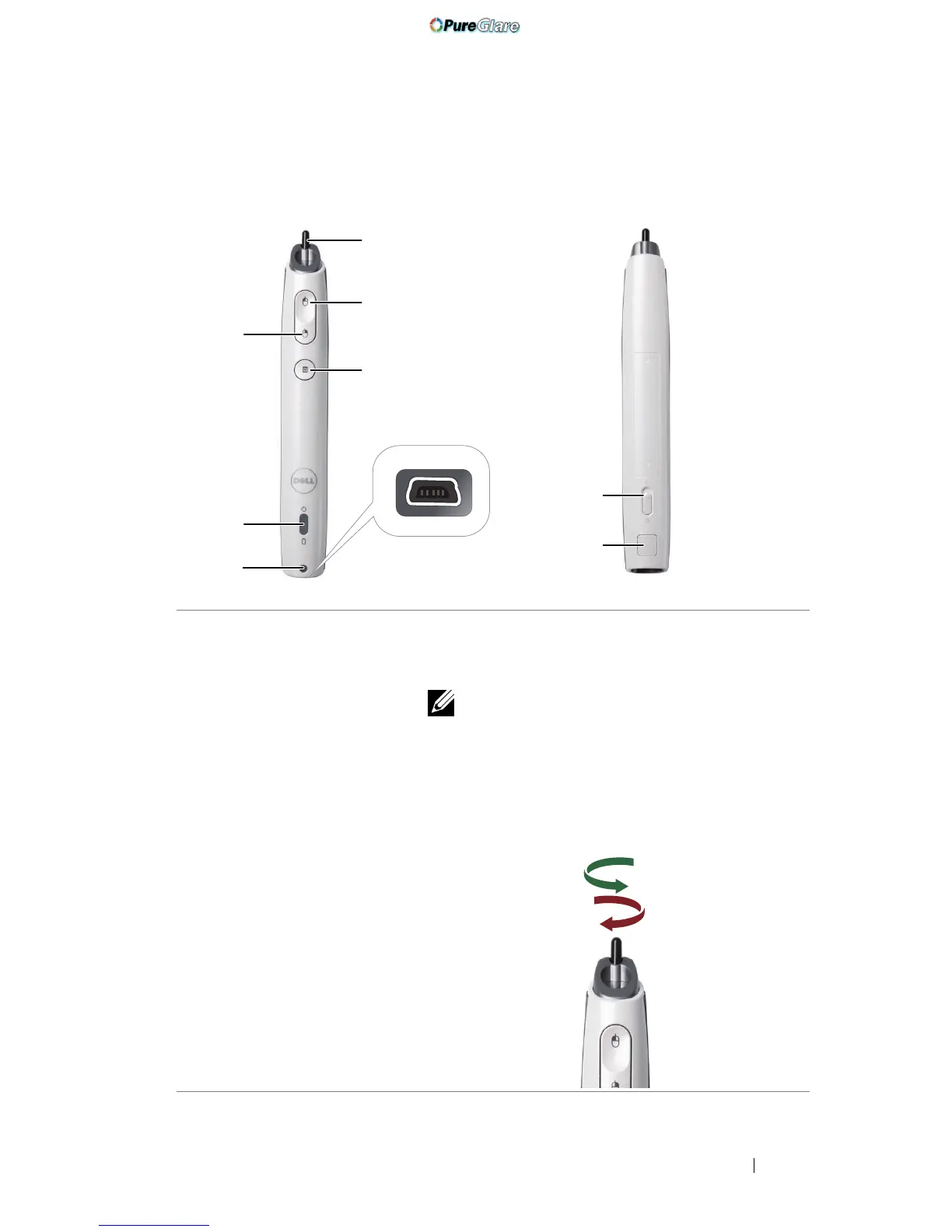
Using the Interactive Pen (for S500wi only)
1 Replaceable nib Press the nib to draw or write. When the nib is
engaged, it works like left clicking your mouse to
draw or write.
NOTE:
• If the nib is engaged, the Pen will switch
to Draw mode and the button function
will be temporarily disabled.
• When the nib wears out, change the nib
head as shown below.
1
2
5
6
3
4
7
8
Top View
Bottom View
Unlock
Lock
http://www.pureglare.com.au



 To Next Page