Using Your Projector 45
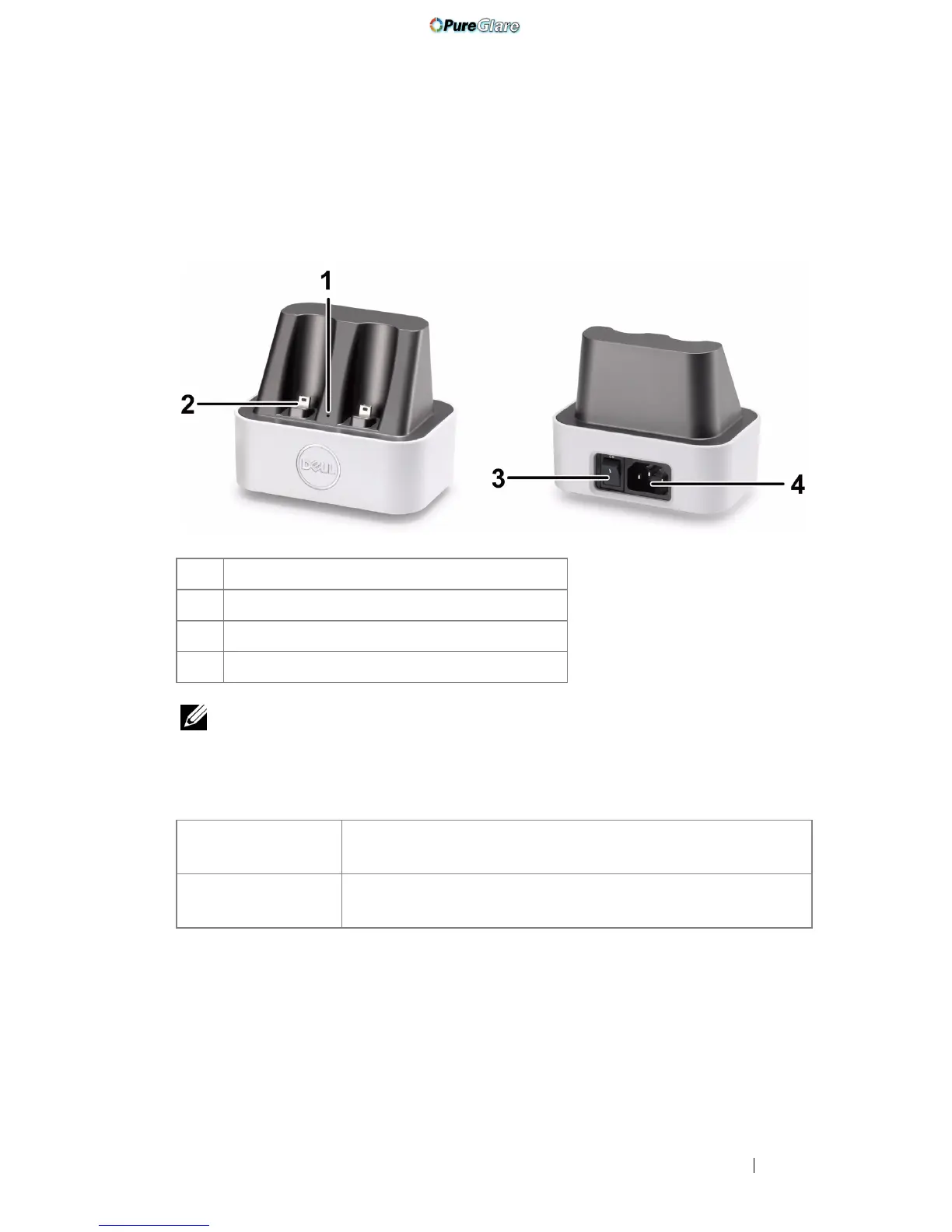
Docking Charger Introduction (Optional, for
S500wi only)
NOTE: The Docking Charger is not shipped with your projector. You can
purchase the Docking Charger on the Dell website at www.dell.com.
LED Indicator on Docking Charger
1 Power LED light
2 Mini USB connector
3 Power switch
4 Power cord connector
Green LED Solid
On
When the docking charger is switched on, the Green LED
will turn solid ON.
Green LED Off The Green LED will turn Off when the docking charger is
switched off.
Front View
Back View
http://www.pureglare.com.au



 To Next Page