54 Using Your Projector
VOLUME
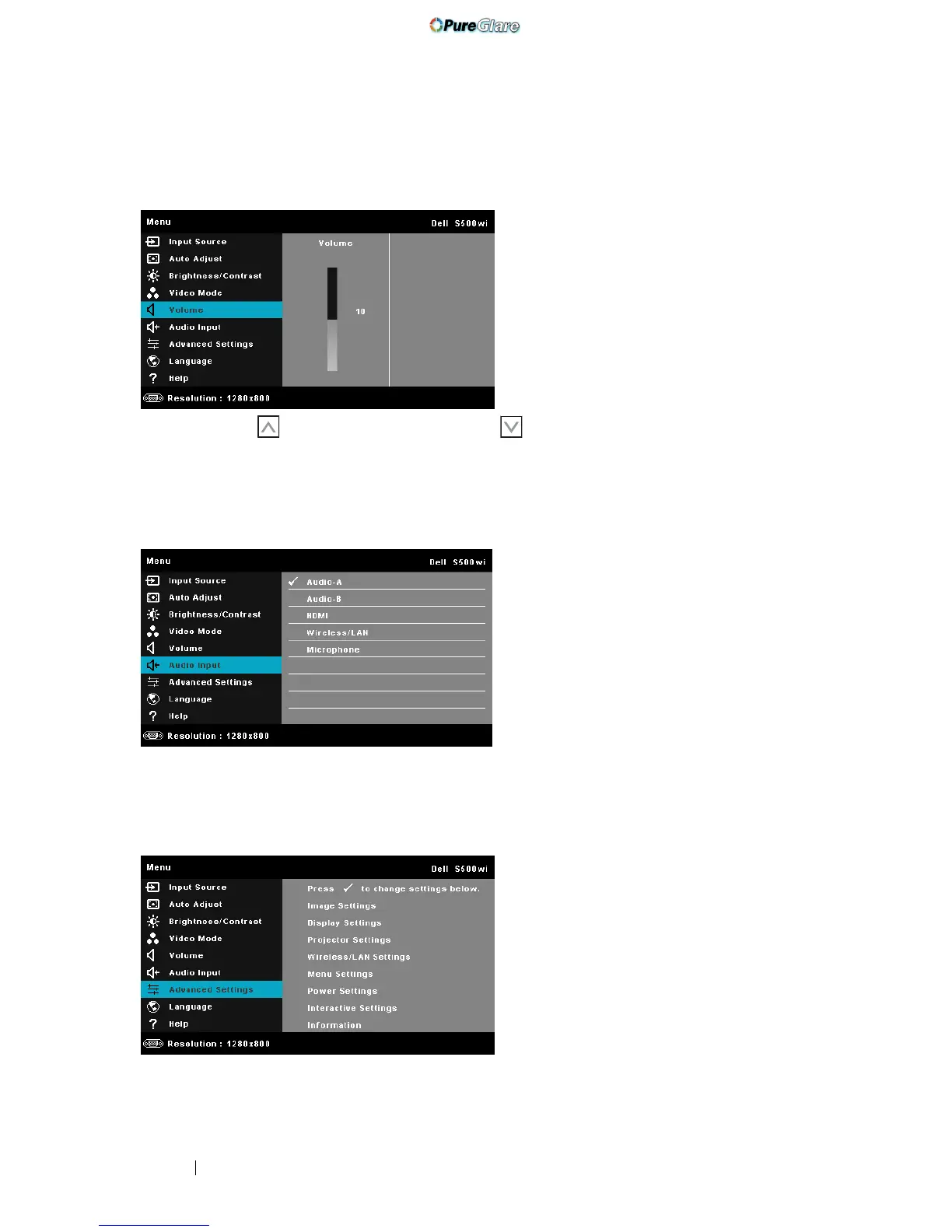
The Volume menu allows you adjust the volume settings of your projector.
VOLUME—Press to increase the volume and to decrease the volume.
AUDIO INPUT
The Audio Input menu allows you to select your audio input source. The options
are: Audio-A, Audio-B, HDMI, Wireless/LAN, and Microphone.
ADVANCED SETTINGS
The Advanced Settings menu allows you to change settings for Image, Display,
Projector, Wireless/LAN, Menu, Power, and Information.
http://www.pureglare.com.au



 To Next Page