Using Your Projector 79
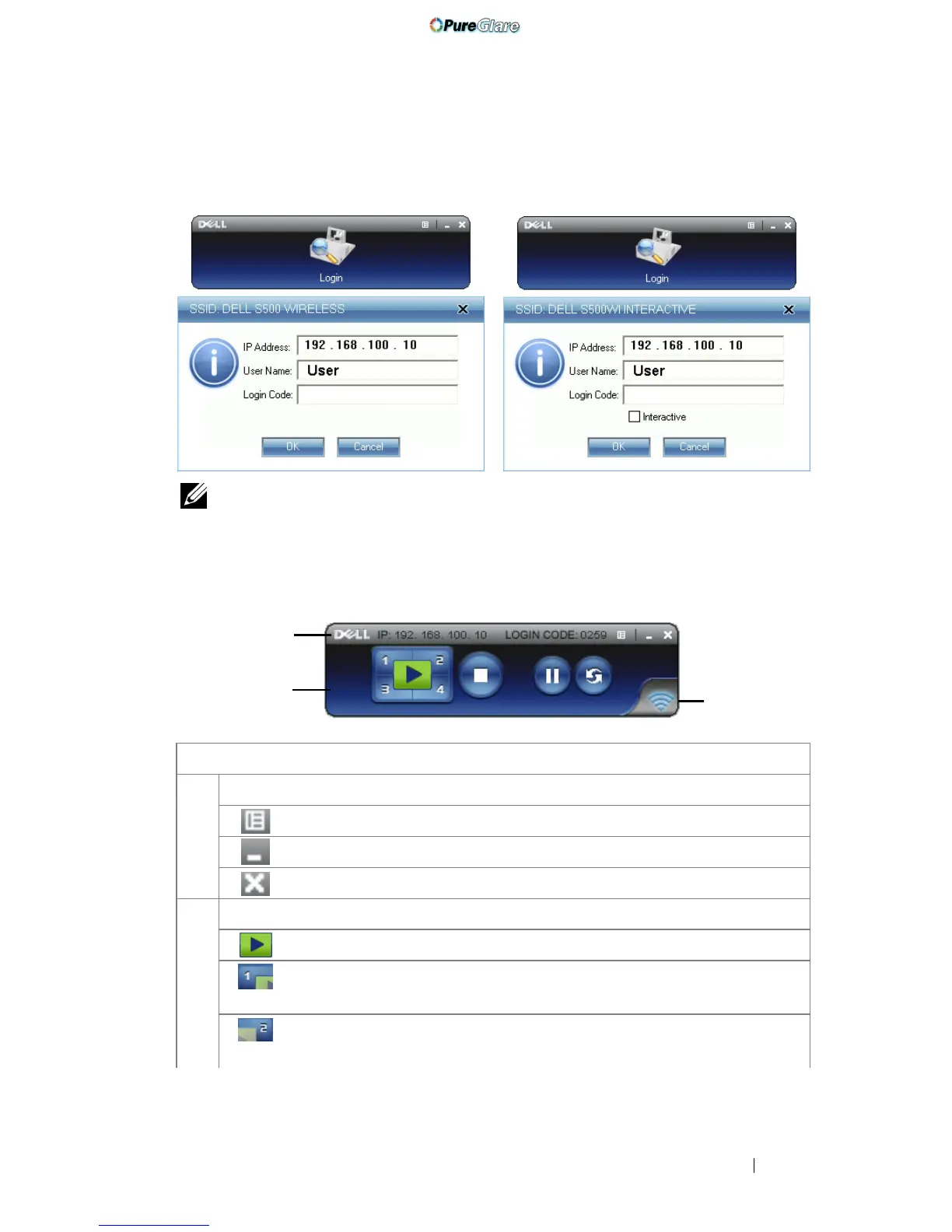
NOTE: If the IP Address is not detected, enter the IP Address displayed at the
bottom left corner of the screen.
Understanding the Buttons
After a successful log in, the following menu bar appears on the computer screen.
Item Description
1 Status Bar Displays IP and LOGIN CODE information.
Menu Click to activate the application menu.
Minimize button Click to minimize the application.
Close button Click to exit the application.
2 Controls Toolbar
Full screen Click to project the image in full screen.
Split 1 Click to project the image in the upper left
corner of the screen.
Split 2 Click to project the image in the upper right
corner of the screen.
S500 Log in screen S500wi Log in screen
1
2
3
http://www.pureglare.com.au



 To Next Page