Using Your Projector 61
•Rear Projection-Wall Mount — The projector reverses and turns the
image upside down. You can project from behind a translucent screen with
a wall-mounted projection.
•Front Projection-Desktop — This is the default option.
•Front Projection-Wall Mount — The projector turns the image upside
down for wall-mounted projection.
SPEAKER—Select On to enable the speaker. Select Off to the disable
speaker.
CLOSED CAPTION—Select On to enable close caption and activate the
closed caption menu. Select appropriate closed caption options: CC1,
CC2, CC3, and CC4.
NOTE: Closed caption option is available for NTSC only.
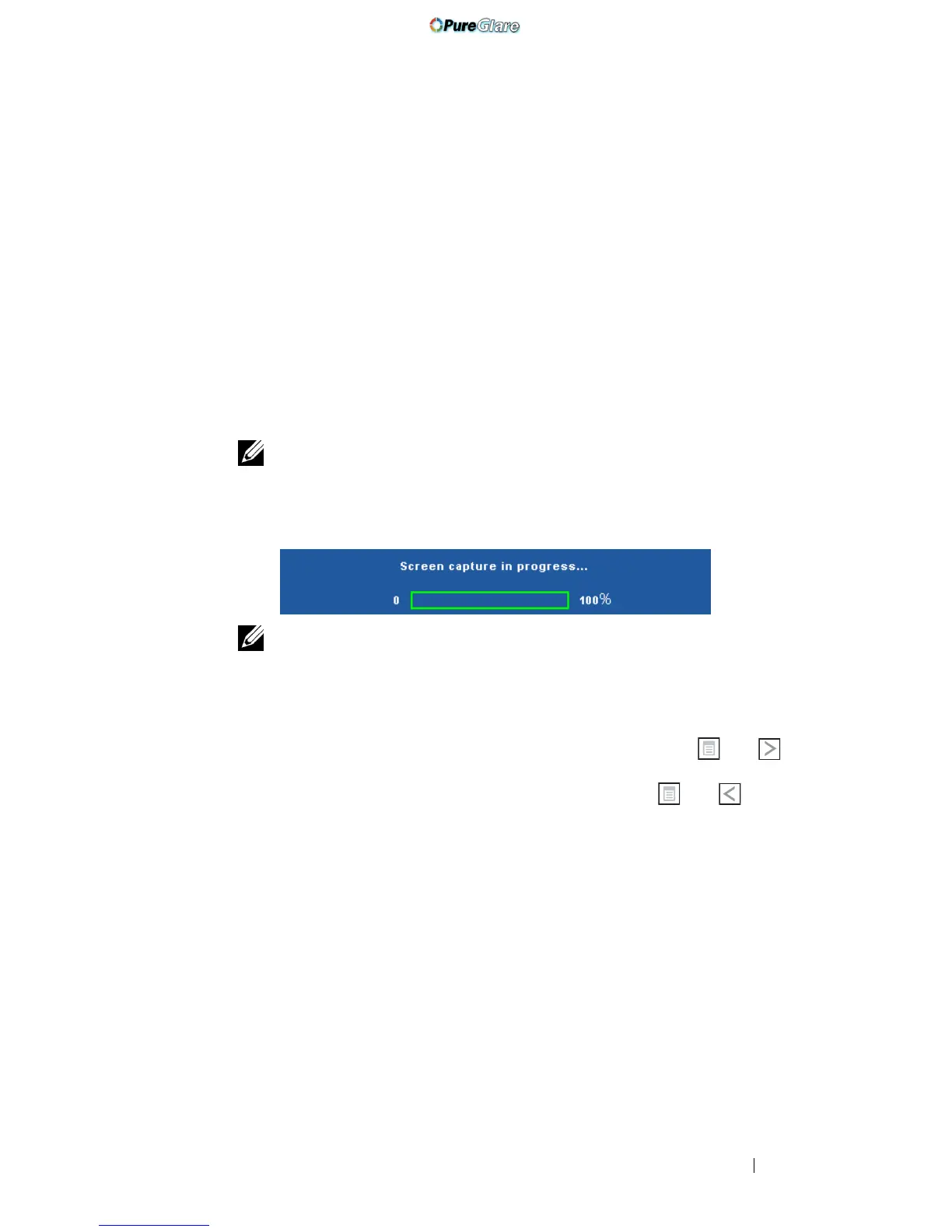
STARTUP SCREEN—Default is Dell logo as wallpaper. You can also select
Capture Screen option to capture the screen display. The following
message appears on the screen.
NOTE: To capture a full image, ensure that the input signal connected
to the projector is at 1280 x 800 resolution.
TEST PATTERN—Test Pattern is used to test focus and resolution.
You can enable or disable the Test Pattern by selecting Off, 1, or 2. You can
also invoke the Test Pattern 1 by pressing and holding down and
buttons on the control panel simultaneously for 2 seconds. You can also
invoke the test pattern 2 by pressing and holding down and buttons
on the control panel simultaneously for 2 seconds.
http://www.pureglare.com.au



 To Next Page