Using Your Projector 67
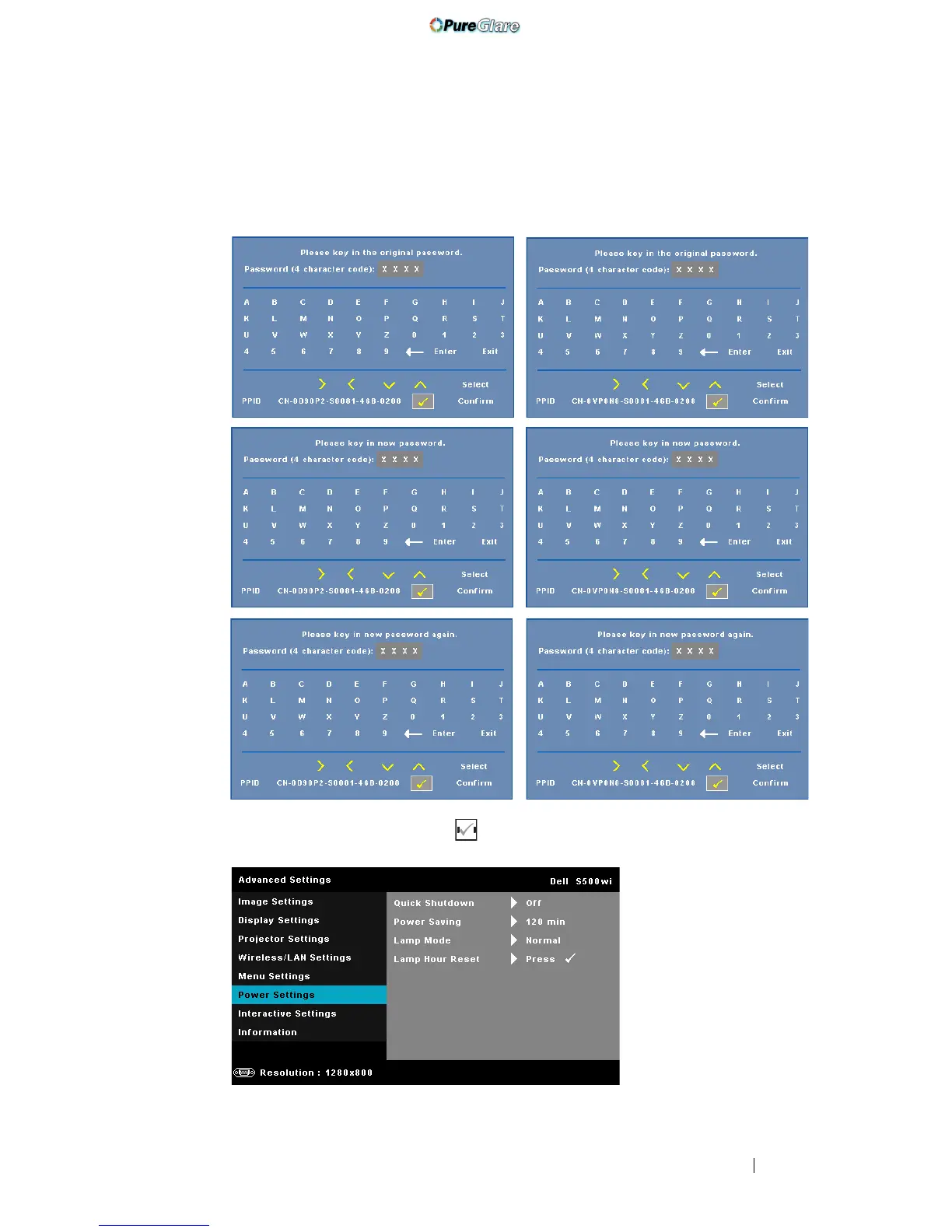
CHANGE PASSWORD—Key in the original password. Then, enter the new
password and confirm the new password again.
POWER SETTINGS—Select and press to activate power settings. The power
settings menu provides the following options:
S500 Change Password screen
S500wi Change Password screen
http://www.pureglare.com.au


 To Next Page