Using Your Projector 81
2 Actuate frame rate could be different depending on factors such as network
environment, image content, signal conditions, locations, and CPU
performance.
3 Under clean WLAN environment using 802.11g connection, and no screen
stretching.
4 Compressed to 1024 x 768 and under 802.11g.
NOTE: Your computer will not enter S1 (standby mode) / S3 (sleep mode) / S4
(hibernate mode) when running a wireless, USB Display, or USB Viewer
presentation.
Using the Menu
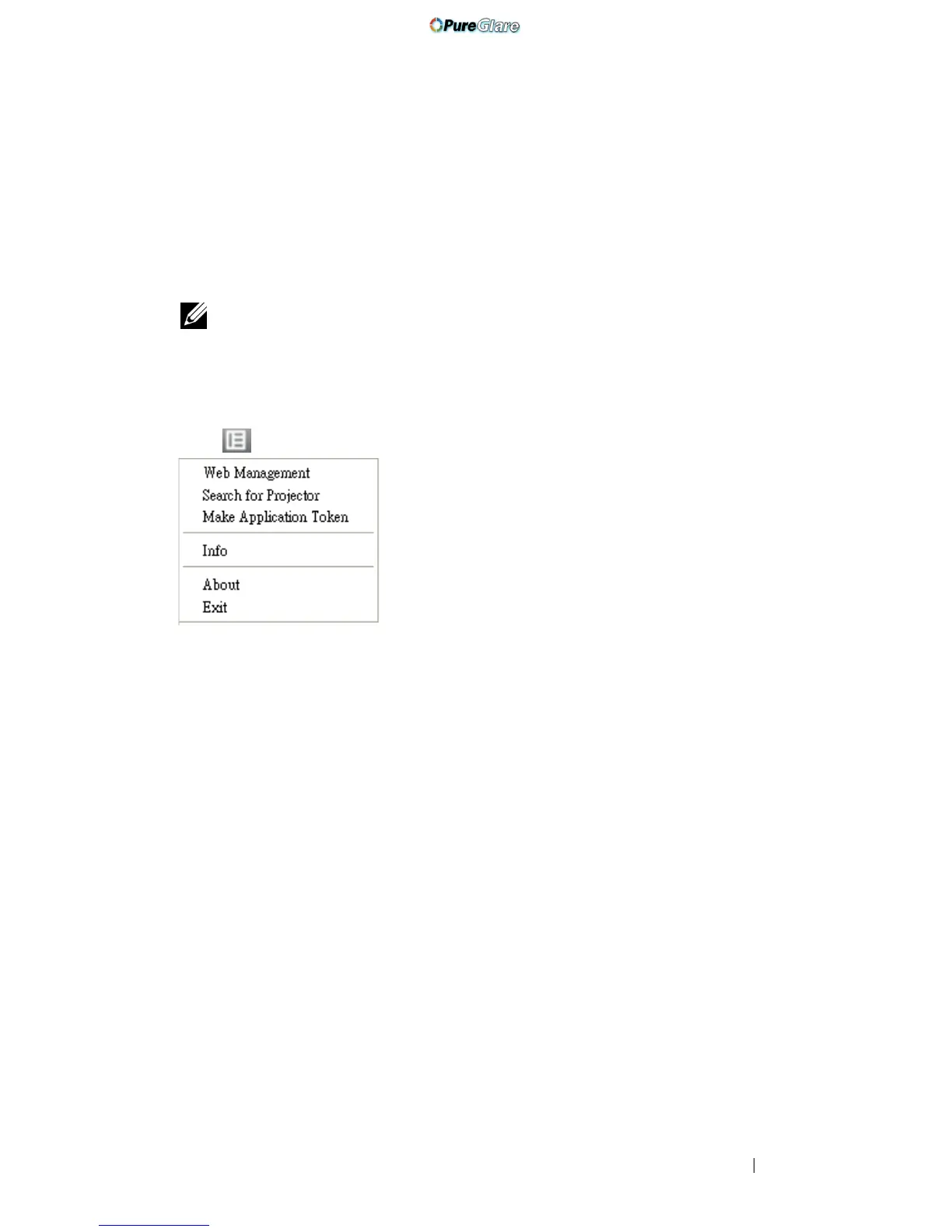
Click to display the menu.
W
EB MANAGEMENT—Click to open the Web Management page. See "Managing the
Projector From Web Management" on page 88.
SEARCH FOR PROJECTOR—Click to search and connect to wireless projector.
MAKE APPLICATION TOKEN—Click to make application token. See "Make
Application Token" on page 107.
INFO—Click to display system information.
ABOUT—Click to display the application version.
EXIT—Click to close the application.
http://www.pureglare.com.au



 To Next Page