Dell SonicWALL Directory Services Connector 3.7
Administration Guide
18
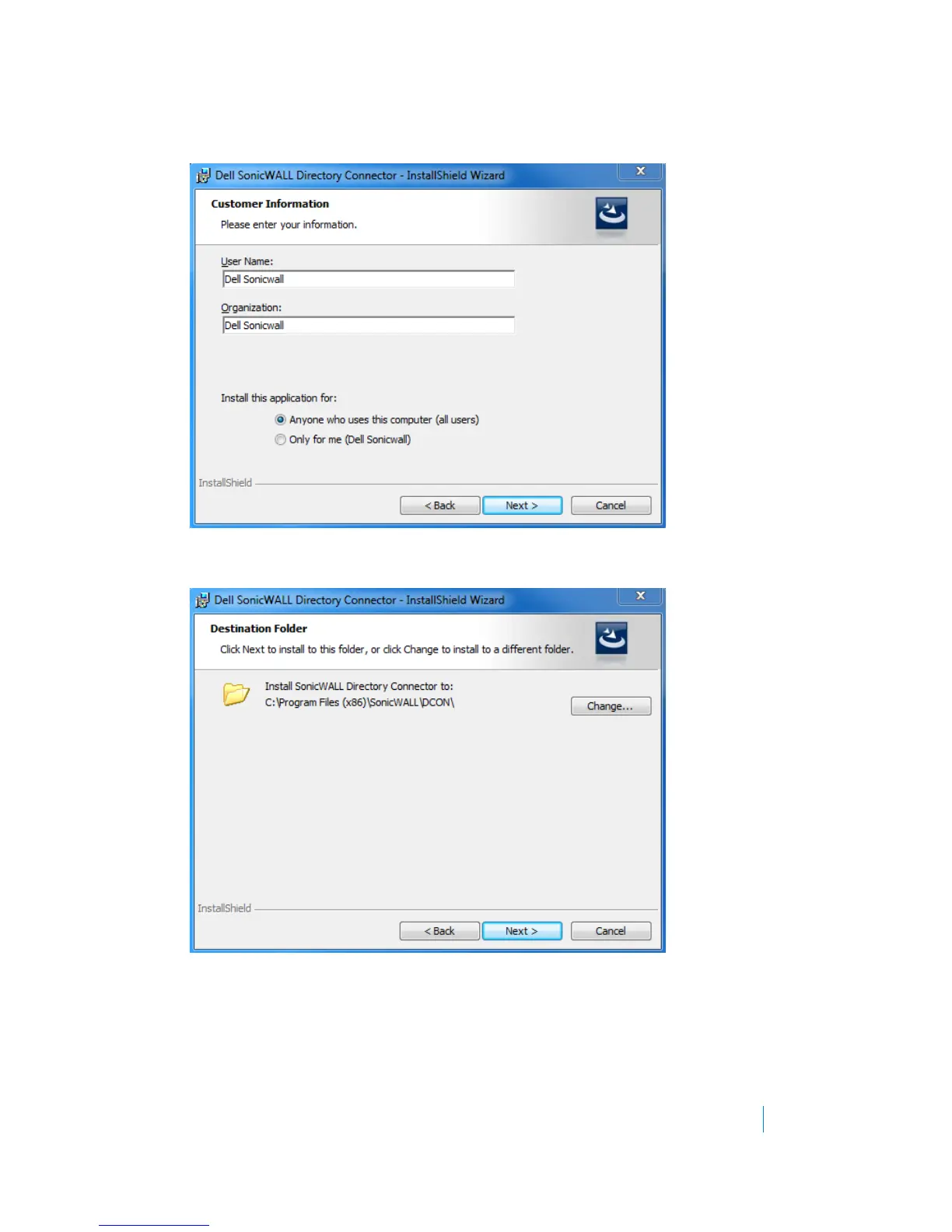
6 In the Customer Information screen, enter your username and the name of the company that owns the
workstation where you are installing the Directory Connector, select the application use privileges, and
then click Next.
7 Select the destination folder. To use the default folder, C:\Program Files\SonicWALL\DCON, click Next. To
specify a custom location, click Change, select the folder, and click Next.











 To Next Page