Dell SonicWALL Directory Services Connector 3.7
Administration Guide
26
2Click View > StatusBar to toggle the status bar display. If it is currently hidden, it will be displayed. If
currently displayed, it will be hidden.
The toolbar provides icon buttons near the top of the screen for the following:
• Adding servers to the SSO Agent configuration
• Removing servers from the SSO Agent configuration
• Starting the Windows service
• Stopping the Windows service
• Refreshing the items displayed in the Configuration Tool
• Viewing the SSO Agent properties
• Accessing the diagnostics tool
Each button is only active when a relevant item is selected in the left panel. Not all buttons are active at the
same time.
The status bar displays the current SSO Agent status along the bottom of the screen. The installed version of the
SSO Agent is also displayed there.
Using the Actions menu
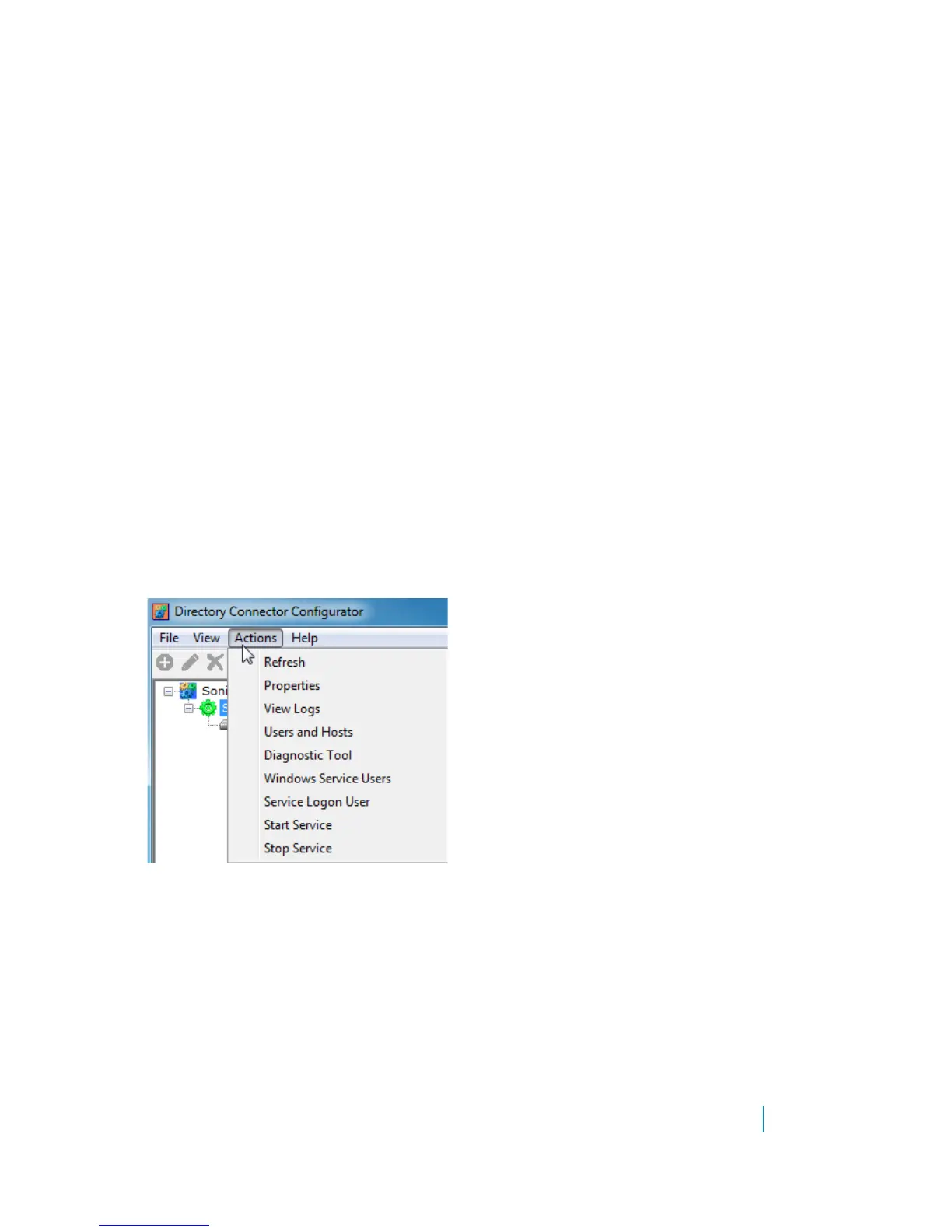
With SonicWALL SSO Agent selected in the Directory Connector Configuration Tool, the Actions menu provides
options for editing the SSO Agent configuration settings, viewing the log entries, viewing users and hosts, using
the diagnostic tool, and refreshing the display. It also provides options for managing the SSO Agent Windows
service.
Figure 1. Actions menu with SonicWALL SSO Agent selected
All of the Actions menu options are also available on the right-click menu for the SonicWALL SSO Agent from
within the Configuration Tool. See the following:
• Configuring SSO Agent settings on Actions > Properties on page 27
• Viewing logs on page 28
• Displaying Users and Hosts statistics on page 29
• Using the Diagnostic Tool on page 30
• Using the Windows Service Users page on page 31
• Using the Service Logon User page on page 31
• Starting and stopping the Windows service on page 31











 To Next Page