Dell SonicWALL Directory Services Connector 3.7
Administration Guide
48
Enabling LDAP over TLS with Novell
eDirectory
The SSO Agent supports Novell eDirectory connections secured by Transport Layer Security (TLS). TLS provides
secure encryption of communications and verifies the server certificate. The software on your LDAP server must
support TLS.
To enable Novell eDirectory connections using LDAP over TLS, complete the following steps:
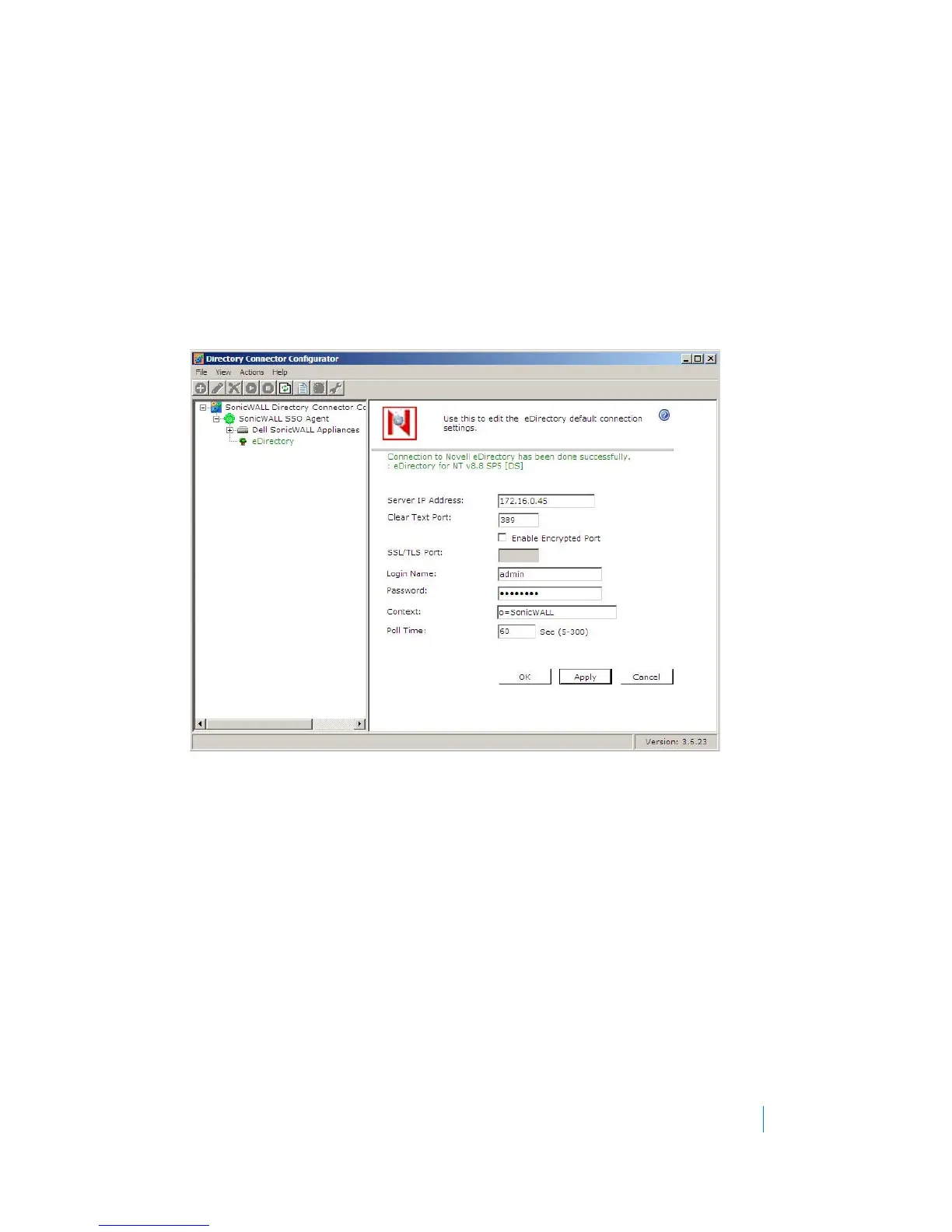
1 In the Directory Connector Configuration Tool, right-click eDirectory in the left pane and select
Properties.
2 In the right pane, select Enable Encrypted Port.
3 Type the port number into the SSL/TLS Port field. This can be port 636 or another configured port.
4Click OK.











 To Next Page