Dell SonicWALL Directory Services Connector 3.7
Administration Guide
35
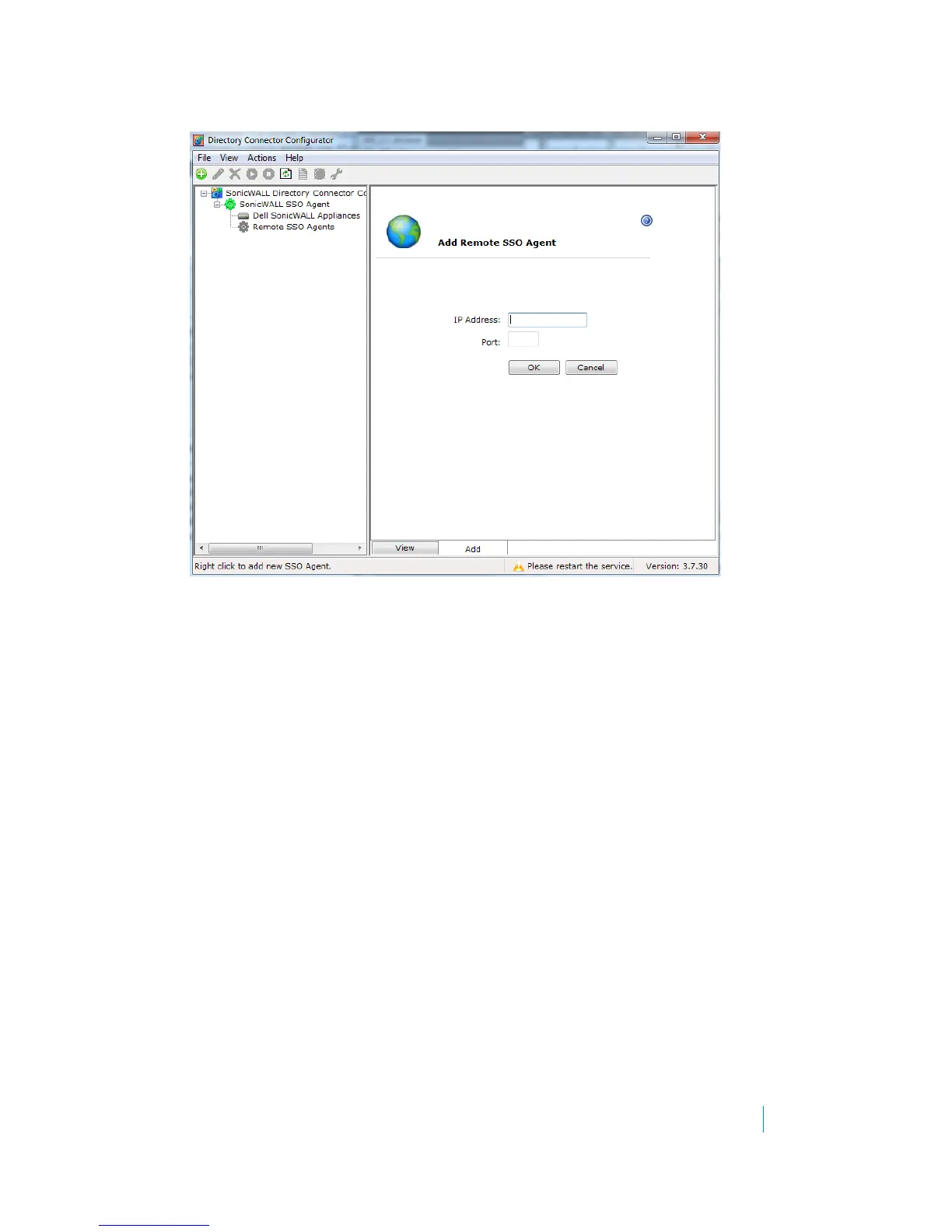
3Right-click Remote SSO Agents and select Add.
4In the Agent IP field, type in the IP address of the remote SSO Agent.
5In the Sync Port field, accept the default of 2260 or type in the custom sync port.
By default, the SSO Agent uses TCP port 2260 to receive the agent synchronization data.
6Click OK.
Configuring Agent-to-Agent communication
Dell SonicWALL Directory Services Connector SSO Agents can communicate and share information (such as global
user-databases) between agents.
Also known as Agent Synchronization, this feature is available when Query Source is set to DC Security Log with
or without NetAPI/WMI, and when Enable Scanner is selected when Query Source is set to either NETAPI or WMI.
Agent synchronization can be used between agents which are using different Query Source methods.
To enable Agent Synchronization (Agent-to-Agent Communication):
1 In the Directory Connector Configuration Tool, right-click SonicWALL SSO Agent in the left pane.
2Select Properties.











 To Next Page