Dell SonicWALL Directory Services Connector 3.7
Administration Guide
46
Setting a group policy to enable audit logon on
Windows Server 2008
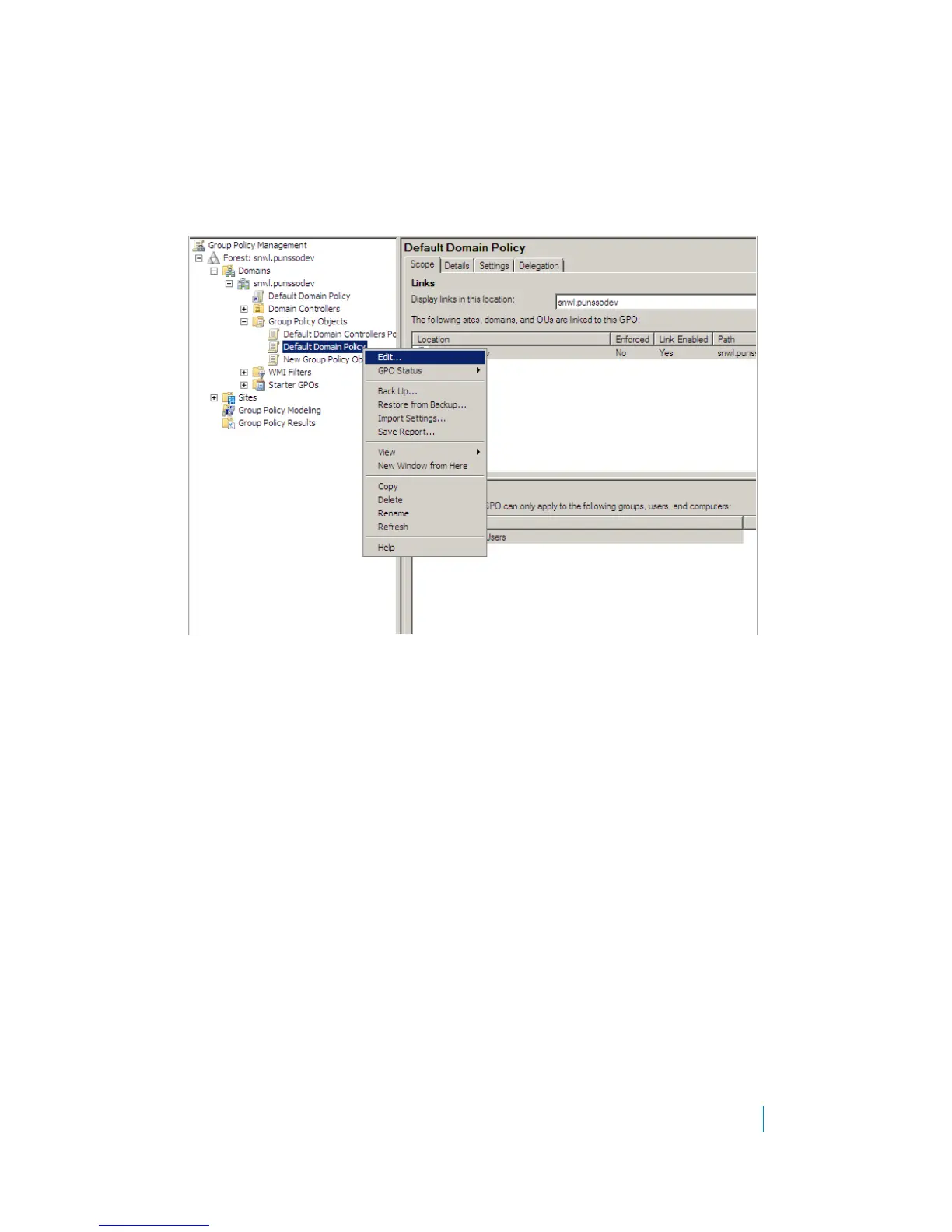
Refer to the following screen to edit the Default Domain Policy.
Figure 7. Default domain policy, Windows Server 2008
To finish the Audit Policy, complete the following steps for the screen that follows:
1Double-click Audit account logon events and select Success.
2Click OK.
3Double-click Audit logon events and select Success.
4Click OK.
5Double-click Audit Directory Service Access and select Success.
6Click OK.











 To Next Page