Dell SonicWALL Directory Services Connector 3.7
Administration Guide
45
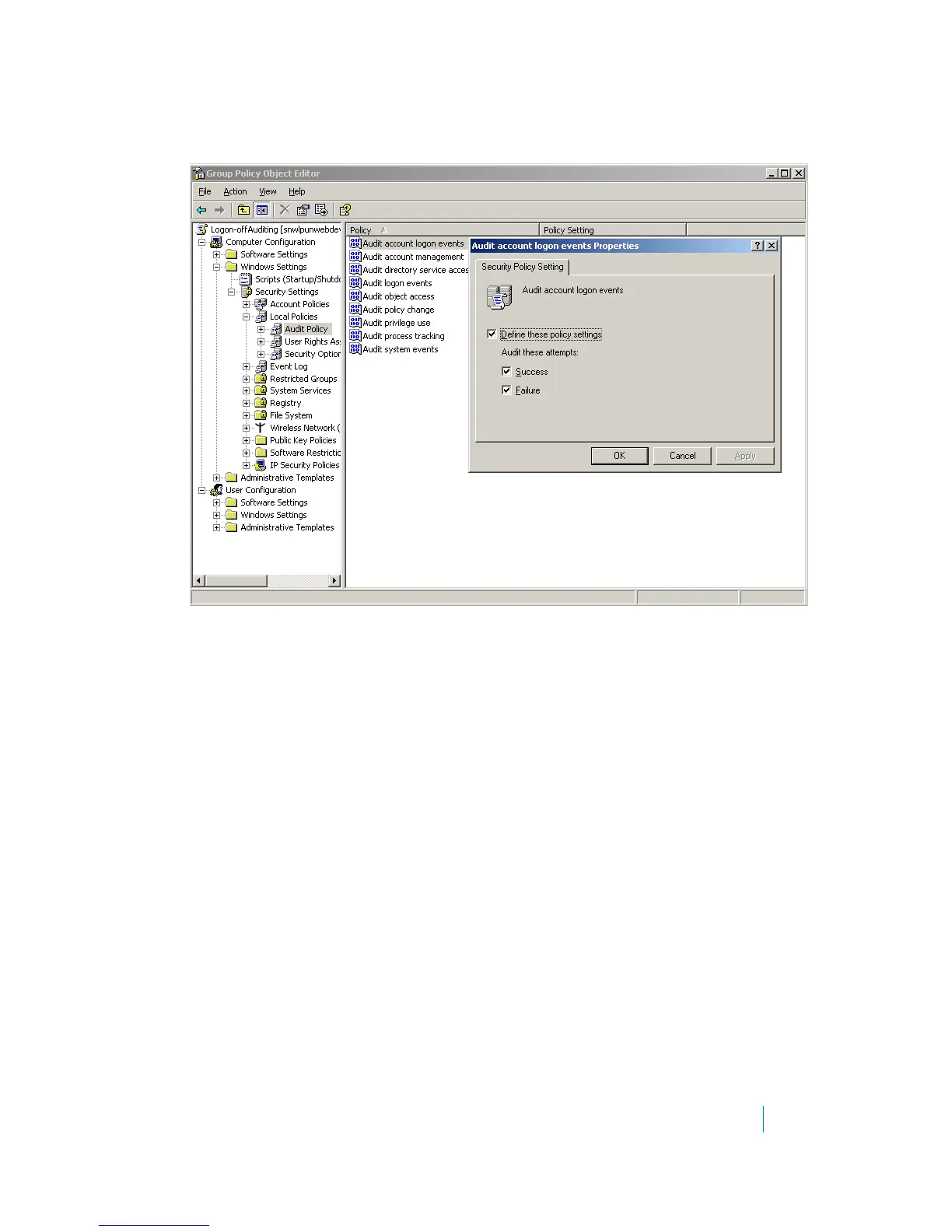
6 Browse to the following location: Policy Name > Computer Configuration > Windows Settings >
Security Settings > Local Policies > Audit Policy. Left-click on Audit Policy. The policy settings are
displayed in the right window.
7Double-click Audit account logon events and select Success.
8Click OK.
9 Double-click “Audit logon events” and select Success.
10 Click OK.
11 Double-click “Audit Directory Service Access” and select Success.
12 Click OK.
13 Close the Group Policy Window.











 To Next Page